10 Reasons Your Laptop Is Running Slow (and How to Get That New-PC Speed Back)

Imagine this: You’re sitting at your favorite local coffee shop in downtown Vacaville, ready to finally crush that project you’ve been putting off. You press the power button on your laptop, sip your latte, and… wait. You wait some more. By the time your desktop icons finally decide to show up, your coffee is cold, and your motivation has hopped on a bus to Fairfield.
We’ve all been there. A slow laptop isn’t just a minor annoyance; it’s a productivity killer that can make you want to toss your expensive tech right into the Lagoon Valley lake. But before you start shopping for a replacement, there’s a good chance your machine just needs a little TLC.
At ART Computer Maintenance and Repair, we see "slow" computers every single day. Most of the time, the fix is simpler than you think. Here are the 10 most common reasons your laptop is dragging its feet and how you can reclaim that "straight-out-of-the-box" speed.
1. You’re Running a "Digital Hoarding" Operation (Too Many Background Apps)
Think of your laptop’s processor like a waiter at a busy restaurant. If that waiter is trying to take ten orders, refill five waters, and bus three tables all at once, something is going to get dropped.
Many programs—like Spotify, Steam, Zoom, and various "update helpers"—insist on starting the second you turn on your computer. They sit in the background, quietly nibbling away at your processing power.
The Fix: Open your Task Manager (Ctrl + Shift + Esc) and click the Startup tab. If you see something you don't use every single day, right-click and hit Disable. Don't worry; you can still open the app manually when you actually need it.
2. Your RAM is Cramped
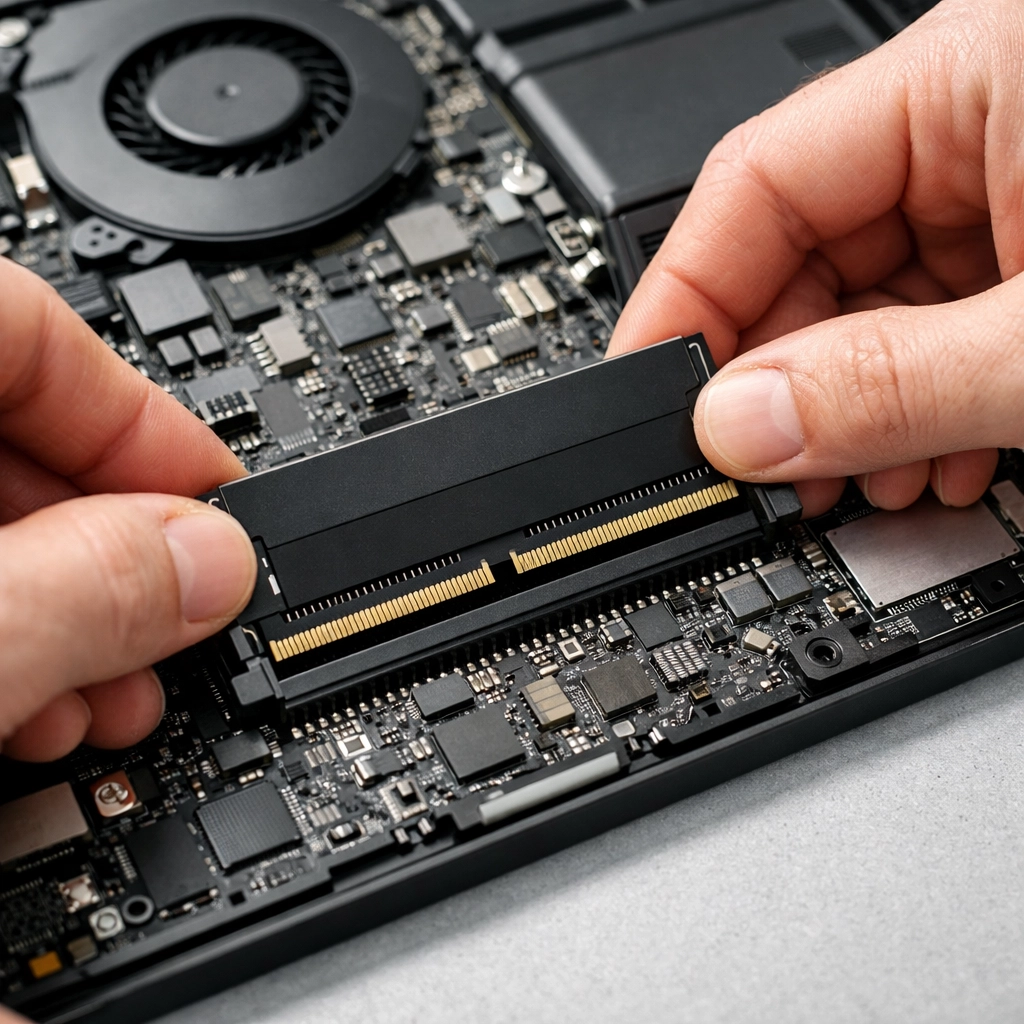
RAM (Random Access Memory) is your computer’s short-term memory. It’s the "desk space" where it lays out all the files you’re currently working on. If your desk is the size of a postage stamp, you can’t get much done.
If you have 4GB or even 8GB of RAM in 2026, you’re likely hitting a wall. When your RAM fills up, your laptop starts using your hard drive as "virtual memory," which is significantly slower. It’s like trying to run a marathon through a swimming pool full of maple syrup.
The Fix: For most people, upgrading to 16GB of RAM is the "sweet spot" that makes everything feel snappy again. If you aren't sure if your laptop can be upgraded, bring it by our Vacaville computer repair shop and we’ll take a look under the hood.
3. Your Hard Drive is Stuffed to the Gills
Your laptop needs breathing room. Specifically, your storage drive (HDD or SSD) needs at least 10-20% free space to function correctly. This space is used for temporary files, swap files, and general system maintenance.
If your storage bar is glowing red in File Explorer, your laptop is likely panicking. It’s searching for any tiny corner of free space to tuck away data, which takes time and slows everything down.
The Fix: Time for a digital garage sale. Empty your Recycle Bin, delete those 4K videos you already uploaded to the cloud, and uninstall that game you haven't played since 2022. If you’re truly out of space, it might be time for a storage upgrade.
4. You Have an Old-School Mechanical Hard Drive
If your laptop is more than a few years old, it might still be running on a Hard Disk Drive (HDD). These have actual spinning platters inside, basically a record player for your data. They are slow, fragile, and prone to "fragmentation," where pieces of files get scattered all over the disk.
The Fix: This is the single best upgrade you can make. Swapping an old HDD for a Solid State Drive (SSD) is like trading in a tricycle for a turbo-charged sports car. SSDs have no moving parts and are up to 10 times faster. We perform these upgrades all the time at ART Computer, and the look on our customers' faces when their "old" laptop boots in 15 seconds is priceless.
5. Uninvited Guests (Malware and Viruses)
Not all "viruses" lock your screen and demand Bitcoin. Most modern malware is much sneakier. It wants to hide in the background, using your laptop’s resources to mine crypto, send spam emails, or track your keystrokes.
If your laptop is slow and your fan is screaming even when you aren't doing anything, you might have a parasitic hitchhiker.
The Fix: Run a deep scan with a reputable antivirus. If you suspect you’ve been compromised but the software isn't catching it, our home IT services team can perform a professional "deep clean" to ensure your data is safe and your speed is back.

6. You’re a "Tab Queen" (or King)
We’ve all seen that person—the one with 47 Google Chrome tabs open simultaneously. Each of those tabs is a tiny resource hog. If you have Facebook, Gmail, YouTube, and ten different news articles open, your browser is eating your RAM for breakfast, lunch, and dinner.
The Fix: Be ruthless. If you aren't looking at it right now, close it. Use a "Read Later" tool or just bookmark the page. Your laptop (and your sanity) will thank you.
7. Your Operating System is Stuck in the Past
Updates are annoying, we get it. They always seem to pop up right when you’re in the middle of something. But those updates aren't just for new emojis; they often include performance optimizations and critical security patches. Running an outdated OS means you’re missing out on the most efficient way to run your hardware.
The Fix: Check for updates and actually let them install. If your laptop is still running Windows 10, keep in mind that the "End of Life" for that system is approaching. Transitioning to Windows 11 (or ensuring your hardware can handle it) is a great way to stay fast and secure.
8. The Solano County Heat (Overheating)
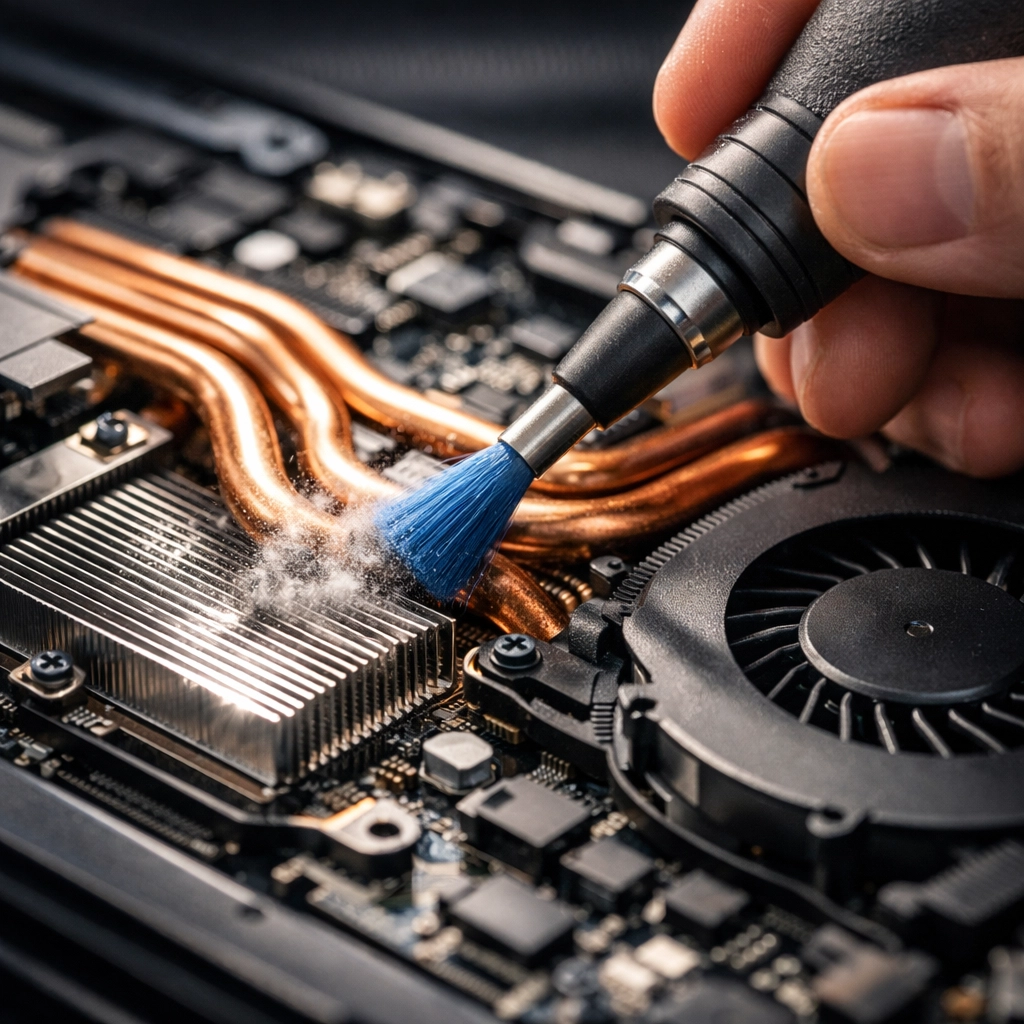
Computers hate heat. When your laptop gets too hot, it does something called thermal throttling. Basically, it purposely slows itself down to generate less heat so it doesn't literally melt its own brains.
If you use your laptop on a blanket or a pillow, you’re blocking the vents. If you haven't cleaned your laptop in years, the fans are likely clogged with Vacaville dust and pet hair.
The Fix: Use your laptop on a hard, flat surface. If the fans sound like a jet engine taking off from Travis AFB, it’s time to blow out the dust with some compressed air—or let us give it a professional internal cleaning.
9. Power Saver Mode is Too Effective
Most laptops have a "Power Saver" mode that kicks in when your battery is low. It saves power by—you guessed it—slowing down the processor. Sometimes, laptops get "stuck" in this mode or are configured to stay there to preserve battery life.
The Fix: Click the battery icon in your taskbar and move the slider to "Best Performance." You’ll use more battery, but you’ll actually be able to get your work done without waiting for the cursor to catch up.
10. The Hardware is Just Tired
Technology moves fast. Software gets heavier and more demanding every year. If your laptop is seven or eight years old, it’s essentially a "vintage" machine in the tech world. At a certain point, no amount of software cleaning can make a 2018 budget laptop run 2026 professional software.
The Fix: If you’ve tried everything and it’s still slow, it might be time for a replacement. But don't just buy the cheapest thing at a big-box store—those are often just as slow as your old one! We can help you pick out a custom-built PC or a high-quality laptop that will actually last.
The Bottom Line: You Don’t Have to Suffer
A slow laptop is a choice, not a lifestyle. Most of these issues can be fixed in an afternoon, and the ones that require hardware can often be done for a fraction of the cost of a new machine.
If you’re tired of the spinning wheels and the frozen screens, let the experts at ART Computer Maintenance and Repair take the weight off your shoulders. From Dixon to Benicia, we’ve been helping Solano County stay connected and productive for years.
Ready to get your speed back? Book an appointment now or stop by our shop. We’ll have you back to full speed before your next coffee break!
About the Author
Raymond Beckham is the CEO of ART Computer Maintenance and Repair. With years of experience serving the Solano County community, he’s dedicated to making technology work for people, not the other way around. Whether it's a cracked screen in Fairfield or a server meltdown in Vacaville, Raymond and his team are the local experts you can trust for reliable, honest, and fast IT solutions.
Need help right now? Check out our Resources or contact us directly via our Contact Page.
Need Help With Your Tech?
Our team is ready to help — on-site, same-day service across Solano County.