

Resources
Performance Workstation Build
The parts below are what we'd pick to build a fast workstation desktop. They're chosen to handle hard work like heavy multitasking, large datasets, demanding apps, and jobs that need steady processing power for hours.
These aren't basic office machines for email and web browsing. They're strong desktops for people who run engineering software, financial models, data analysis, virtual machines, or content creation. If performance matters to your day, this is the kind of build you want.
Recommended Performance Build
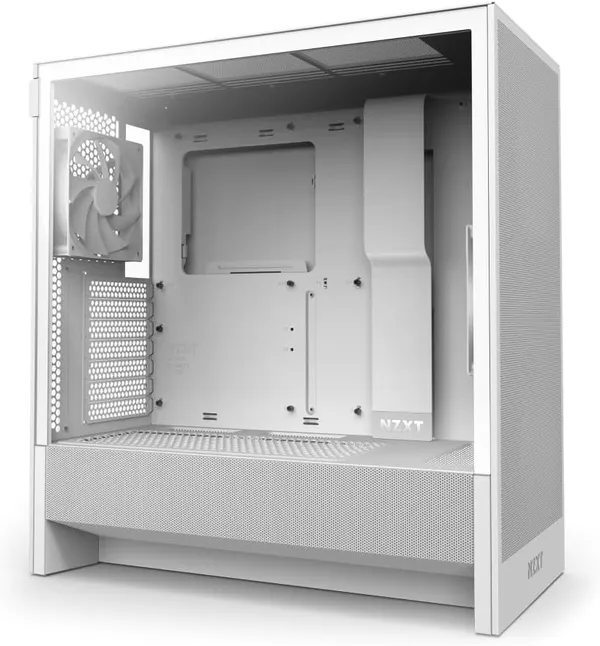
NZXT H5 Flow, ATX Mid-Tower Case
This is the case that holds the whole build. It's a clean, compact ATX mid-tower with mesh panels on the front, top, and side. That airflow keeps your parts cool when the system runs hard. It ships with 2x 120mm fans and fits radiators up to 360mm.
View on Amazon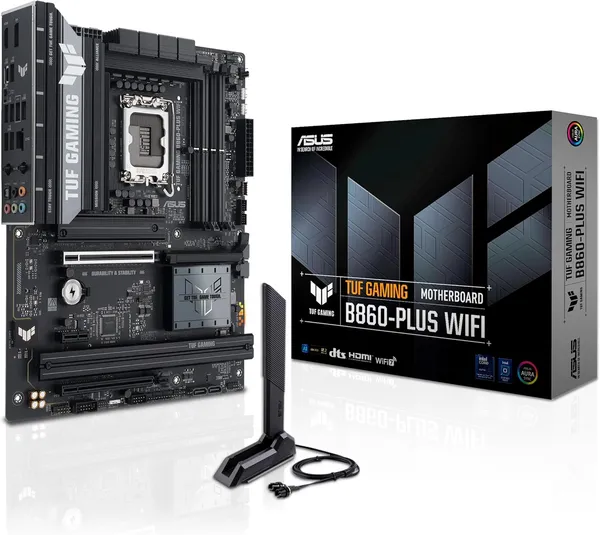
ASUS TUF Gaming B860-PLUS WiFi, ATX Motherboard
The motherboard ties every part together. This LGA 1851 ATX board fits Intel Core Ultra Series 2 processors and uses a tough 12+1+2+1 DrMOS power stage. It takes DDR5 memory, has three M.2 slots, and supports PCIe 5.0. You also get Wi-Fi 7, 2.5Gb LAN, and 20Gbps USB Type-C for fast connections.
View on Amazon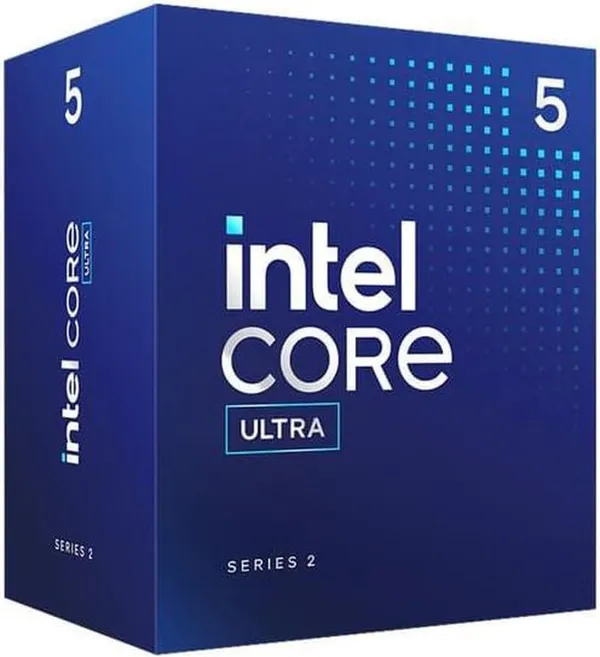
Intel Core Ultra 7 270K Plus, Desktop Processor
This processor is the brain of the workstation. It has 24 cores (8 Performance + 16 Efficient) and boosts up to 5.5 GHz. That power chews through heavy multitasking, virtual machines, large datasets, and work that leans hard on the CPU. It pairs with the LGA 1851 motherboard above.
View on Amazon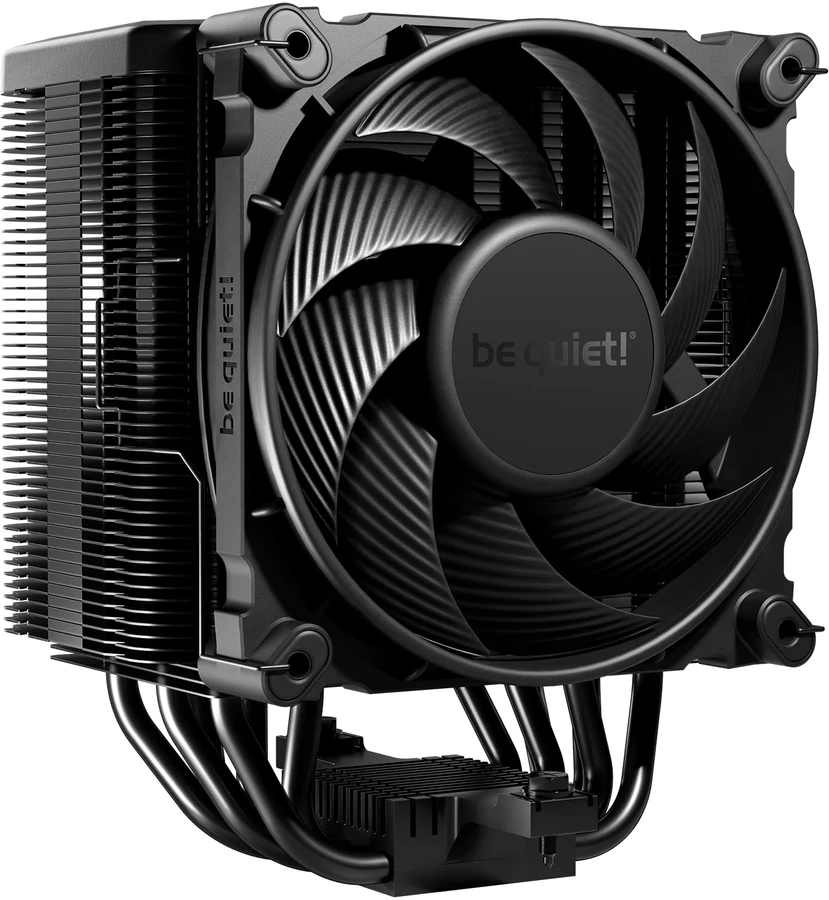
be quiet! Dark Rock 5, CPU Air Cooler
This heatsink keeps the Core Ultra 7 cool and quiet when it works hard. It's a dual-tower air cooler with six heat pipes and a near-silent Silent Wings 4 120mm PWM fan. The layout leaves room for tall RAM and large VRM heatsinks. You'll want a cooler like this when you push a 24-core processor.
View on Amazon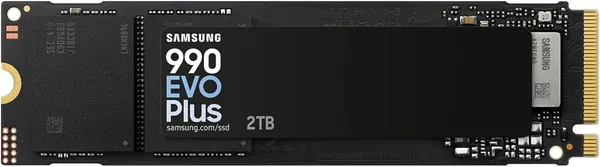
Samsung 9100 PRO, 1TB PCIe 5.0 NVMe SSD
This is your main storage drive, and it's one of the fastest consumer SSDs you can buy. It reads up to 14,700 MB/s over a PCIe 5.0 x4 connection in a standard M.2 2280 size. It's built for AI work, large datasets, and heavy workflows where slow storage holds you back.
View on Amazon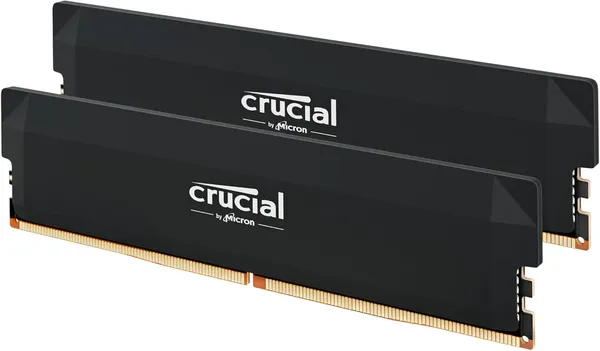
Corsair Vengeance RGB, 32GB DDR5 6000MHz Kit
This memory keeps everything running smooth. It's a 32GB kit (2x16GB) at 6000MHz with CL36 timings. Intel XMP 3.0 lets you tune it with one click. You get plenty of room for heavy multitasking, large spreadsheets, lots of browser tabs, and demanding business apps.
View on Amazon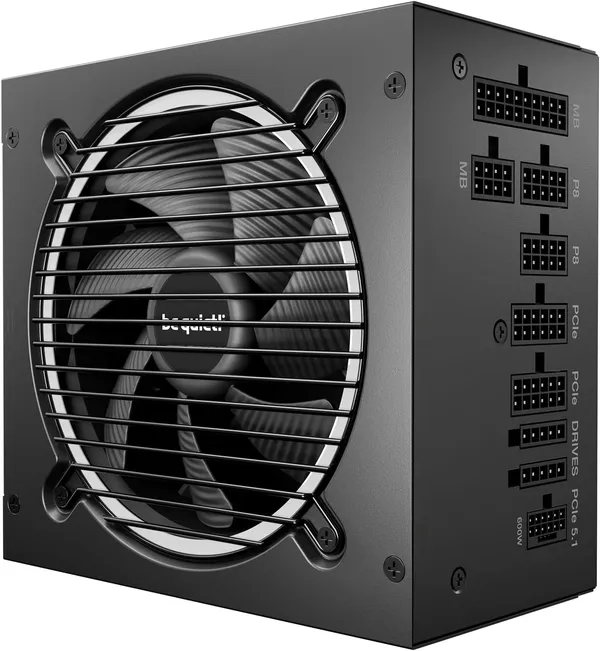
be quiet! Pure Power 13 M, 850W PSU
This is the power supply behind the whole build. It gives you 850W of clean, steady power with 80 Plus Gold efficiency. The semi-passive 120mm fan stays off at low load, so it runs near-silent. It's ATX 3.1 and PCIe 5.1 compliant with fully modular cables and room to spare for a 24-core CPU and modern GPUs.
View on Amazon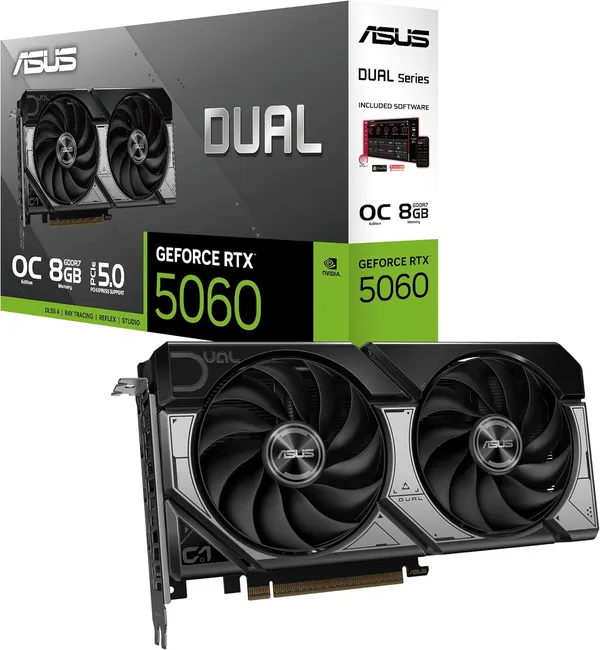
NVIDIA GeForce RTX 5060, 8GB GDDR7
This GPU makes a four-monitor setup easy. It has 3x DisplayPort 2.1b and 1x HDMI 2.1b, so you can run four displays at once. It's built on NVIDIA's Blackwell architecture with 8GB of GDDR7 memory and a PCIe 5.0 interface.
View on Amazon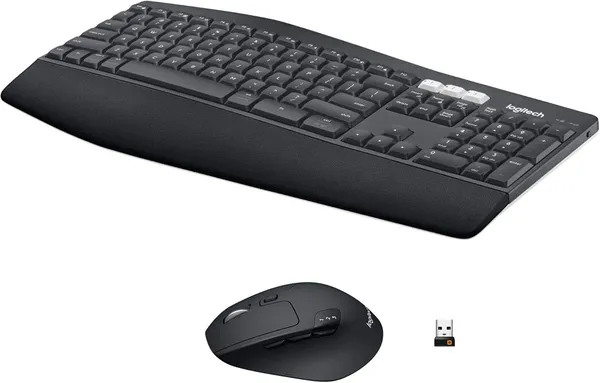
Logitech MK860, Ergonomic Keyboard & Mouse Combo
This combo is built for long hours at the desk. The full-size ergonomic keyboard has concave keys, a curved keyframe, and a big cushioned palm rest. The contoured right-hand mouse has adjustable DPI and quiet clicks.
View on Amazon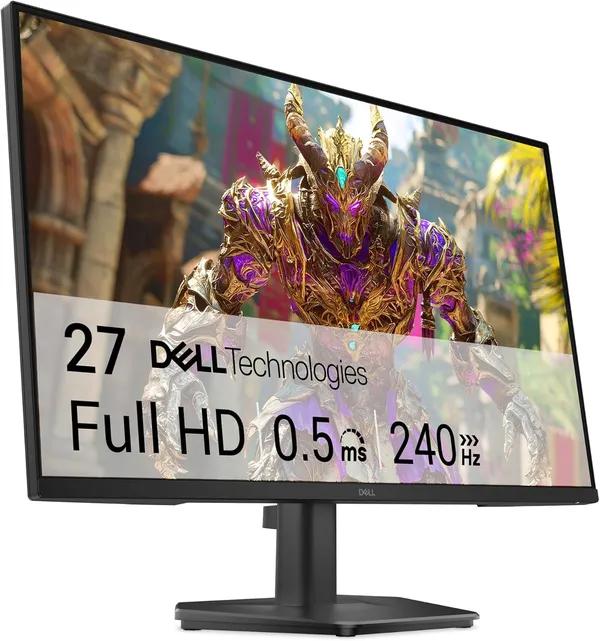
Dell S2725HS, 27" FHD 100Hz IPS Monitor
This is a sharp, quick 27-inch FHD (1920x1080) display. It uses a fast IPS panel with a 100Hz refresh rate and a low response time. It works great for spreadsheets, documents, and jobs with lots of windows open. You get DisplayPort 1.4 and 2x HDMI connections.
View on Amazon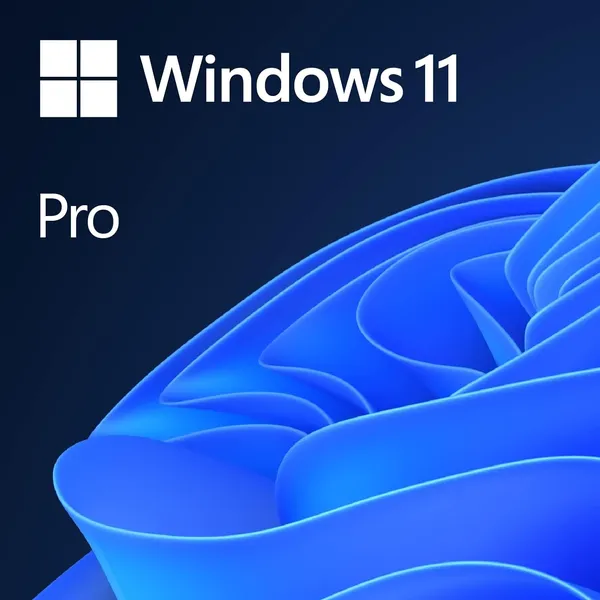
Windows 11 Pro, License Key
This is the operating system that runs your workstation. It includes BitLocker drive encryption, Remote Desktop, Hyper-V virtual machines, and Group Policy management for business setups.
View on AmazonFrequently Asked Questions
Can you build this workstation for me?
Yes. We can order the parts, build the workstation, and set it up for your work.
Who needs a performance workstation?
Anyone running heavy software, large files, or many apps at once, like design, engineering, or data work.