

Resources
Suggested for Medical Offices
Exam rooms, nurse stations, and front desks have different needs than a back office. Counter space is tight, screens get wiped down between patients, and staff move between rooms all day. These are the systems we recommend for clinics, dental practices, and physical therapy offices around Solano County.
The workstation pick supports a standard VESA monitor mount, so it can go on a wall plate or an articulating arm and swing out of the way when it's not in use. Further down is the iPad kit we recommend for supported living clients and in-home care.
Recommended Medical Office Equipment
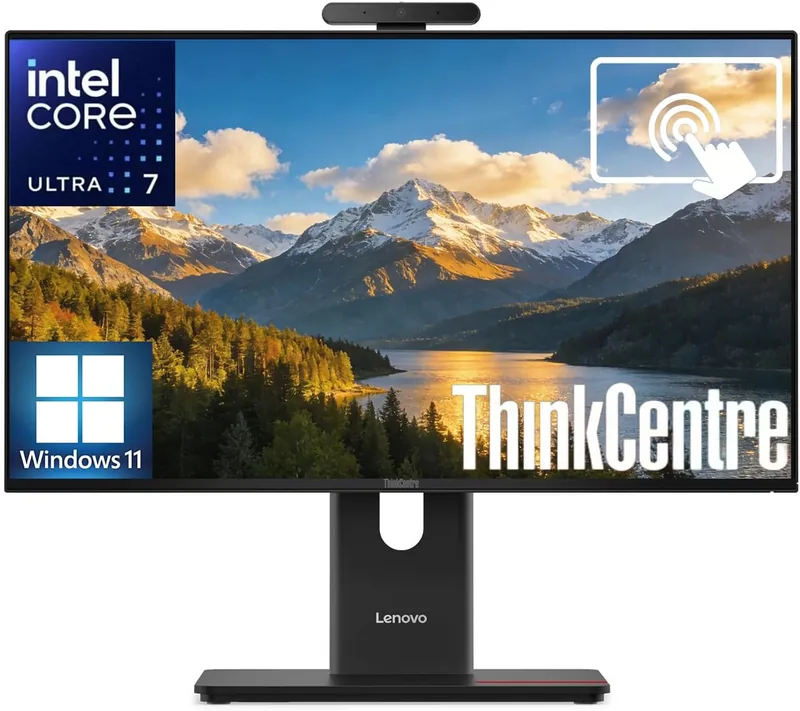
Medical Office Touchscreen All-In-One with Monitor Mount Compatibility
The Lenovo ThinkCentre M90a Gen 6 is the touchscreen all-in-one we recommend when the computer needs to hang on a wall or ride on a monitor arm. It has a true 100 x 100 mm VESA mount built into the back, and the stand pops off without tools. Mount it in an exam room, at a nurse station, or behind the check-in counter and the whole workstation takes up zero desk space.
The 24-inch Full HD display is a 10-point touchscreen with an anti-glare finish that wipes clean, and it runs at 120Hz so scrolling through charts feels smooth. Inside is a 20-core Intel Core Ultra 7 265 with 16GB of DDR5 memory and a 512GB SSD, which is plenty for EHR software, scheduling, billing, and video visits. Both memory slots and all three drive slots are user-accessible, so it can grow to 64GB and multiple drives later. A 5MP camera with Windows Hello face login and a physical privacy shutter, TPM 2.0, and Intel vPro round it out. Windows 11 Pro, Wi-Fi 7, Thunderbolt 4, and a wired keyboard and mouse are included.
- Native VESA 100 x 100 mm mount
- 24" FHD 10-point touch, anti-glare, 120Hz
- Intel Core Ultra 7 265, 20 cores
- 16GB DDR5 (upgradable to 64GB)
- 512GB SSD, three M.2 slots
- Windows Hello camera with privacy shutter
- Thunderbolt 4, DisplayPort, HDMI, Wi-Fi 7
- Windows 11 Pro, TPM 2.0, Intel vPro
iPad Kit for Supported Living Clients
Supported living agencies help adults with developmental disabilities live in their own homes. An iPad is often the client's link to family video calls, telehealth visits, visual schedules, and communication apps. This is the setup we put together when a care team asks us for one that will survive daily use.
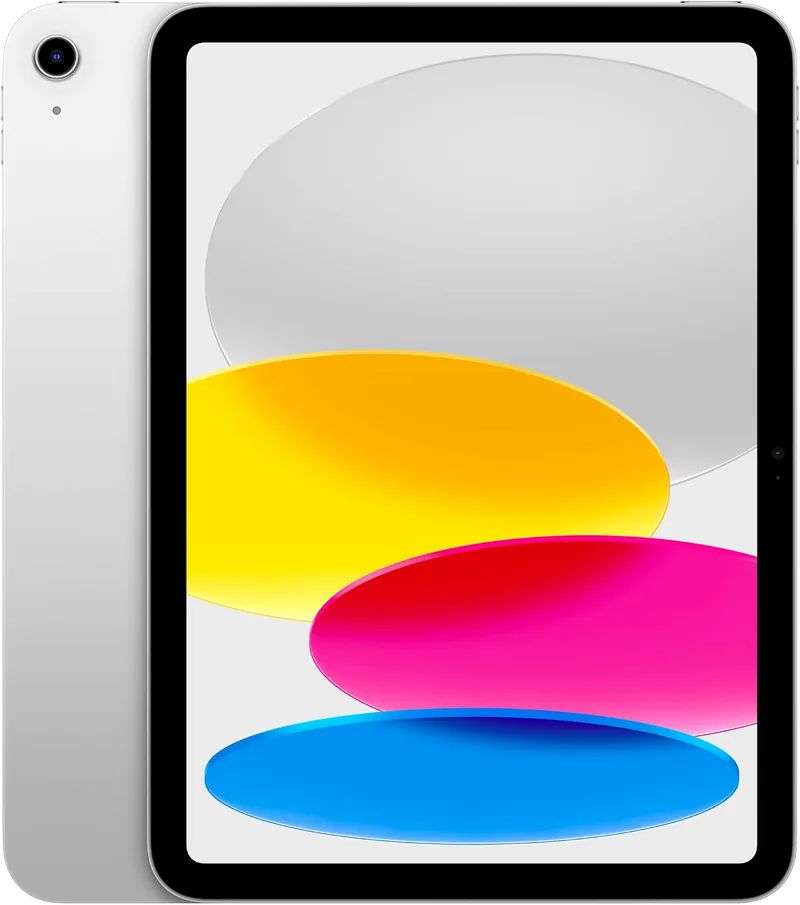
Apple iPad 11-inch (A16), 128GB Wi-Fi
The standard iPad is the right one for a client's home. It runs FaceTime, Zoom, telehealth portals, and every mainstream communication and scheduling app, and iPadOS has strong built-in accessibility tools: Guided Access to lock it to one app, AssistiveTouch, Spoken Content, and larger text. Touch ID on the top button means no passcode to remember. 128GB is plenty for apps, photos, and downloaded shows, and the battery lasts a full day.
- 11" Liquid Retina display
- A16 chip, 128GB storage
- Touch ID, 12MP front camera for video calls
- USB-C charging, Wi-Fi 6
- Sold and shipped by Amazon
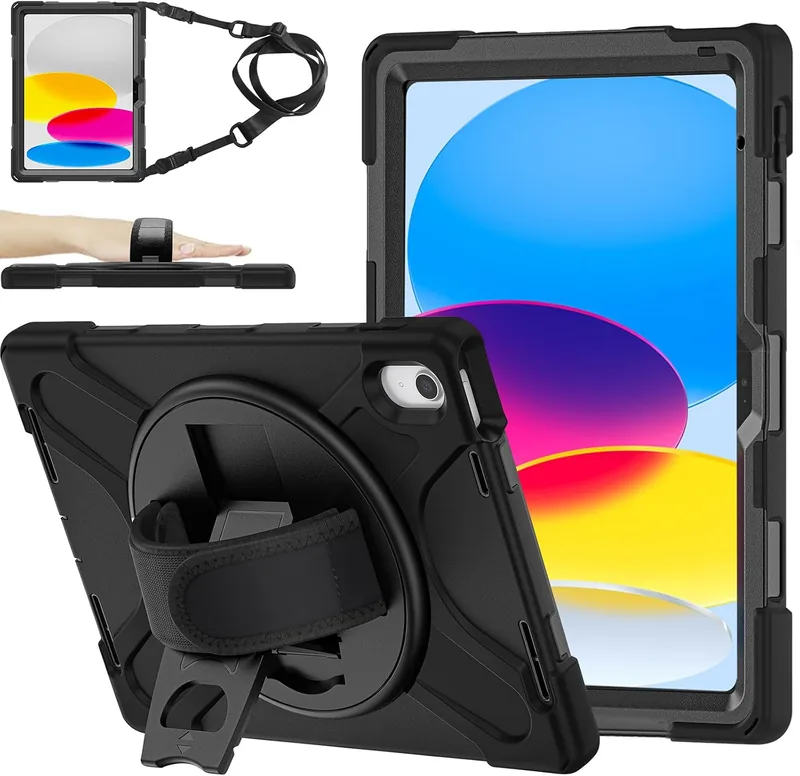
Rugged Case with Hand Strap, Shoulder Strap & Stand
This is the case we recommend for a client who will carry the iPad around the house and out into the community. It's a three-layer shell tested to MIL-STD-810G, so drops onto tile or concrete are survivable. The textured back is easy to grip, the hand strap lets it be held securely with one hand, and the detachable shoulder strap keeps it from being set down and forgotten. A 360-degree kickstand props it up at the kitchen table for video calls, and there's a slot for a stylus.
- Fits iPad 11-inch (A16) and 10th gen
- MIL-STD-810G drop protection
- Hand strap and detachable shoulder strap
- 360° rotating kickstand
- Raised bezel protects the screen face-down
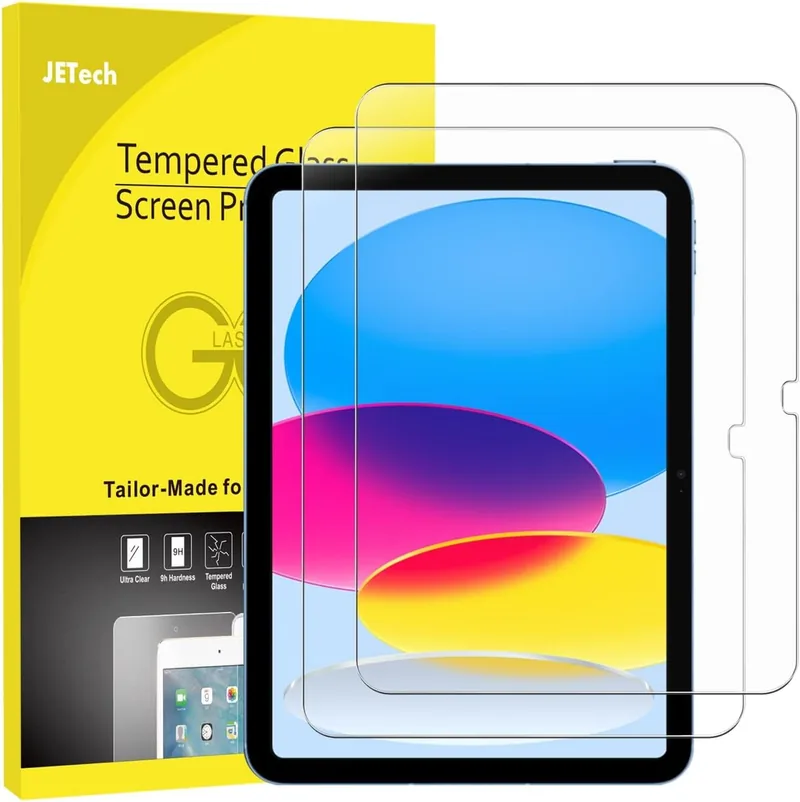
Tempered Glass Screen Protector, 2-Pack
The case above leaves the screen open, so add glass. Tempered glass takes the scratches from keys, utensils, and rings instead of the iPad, and it wipes down with disinfectant without hazing. It doesn't affect touch response and fits under the case's raised bezel. The pack includes two, so there's a spare when the first one eventually cracks doing its job.
- Fits iPad 11-inch (A16) and 10th gen
- 9H hardness, HD clear
- Case friendly
- Alignment frame included
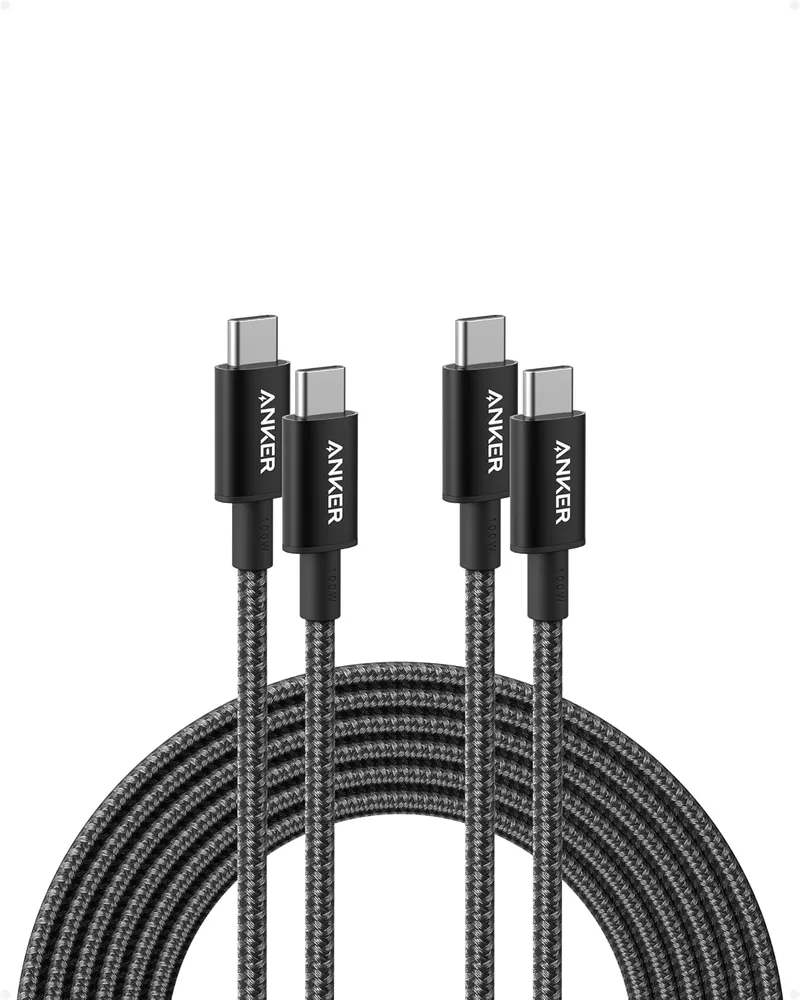
Anker 10 ft USB-C Charging Cable, 2-Pack
The cable in the iPad box is three feet long, which means the iPad ends up on the floor next to the outlet. A 10-foot cable reaches the couch or the bed, so the client can keep using it while it charges. Anker's braided cable holds up to being yanked and stepped on far better than the stock one. The pack has two, so one can live at the charging spot and one in the bag. Works with the charger that comes with the iPad.
- 10 ft, USB-C to USB-C, 2-pack
- 100W rated, works with the included iPad charger
- Braided jacket
- Sold by Anker
Need It Mounted and Set Up?
We deliver, mount, and configure workstations for medical and dental offices across Solano County. Call for a quote or book online.
Frequently Asked Questions
Can this touchscreen all-in-one be mounted on a wall or monitor arm?
Yes. The Lenovo ThinkCentre M90a Gen 6 has a built-in 100 x 100 mm VESA mount pattern behind the stand. The stand comes off without tools, so it fits standard wall plates and monitor arms.
Will you install and mount it in our office?
Yes. We deliver, mount, set up, and join workstations to your network on-site across Solano County. Call (707) 587-2007 to schedule.
Is a touchscreen practical in an exam room?
The anti-glare glass front wipes down easily, and touch input lets staff tap through charting and check-in screens without a keyboard tray taking up counter space.
Can you set up an iPad for a supported living client?
Yes. We install the case and screen protector, sign in to the client's Apple ID, configure Guided Access and other accessibility settings, and load the video call and communication apps the care team asks for.