7 Security Mistakes That Invite Malware (And How to Get Expert Virus Removal in Vacaville)
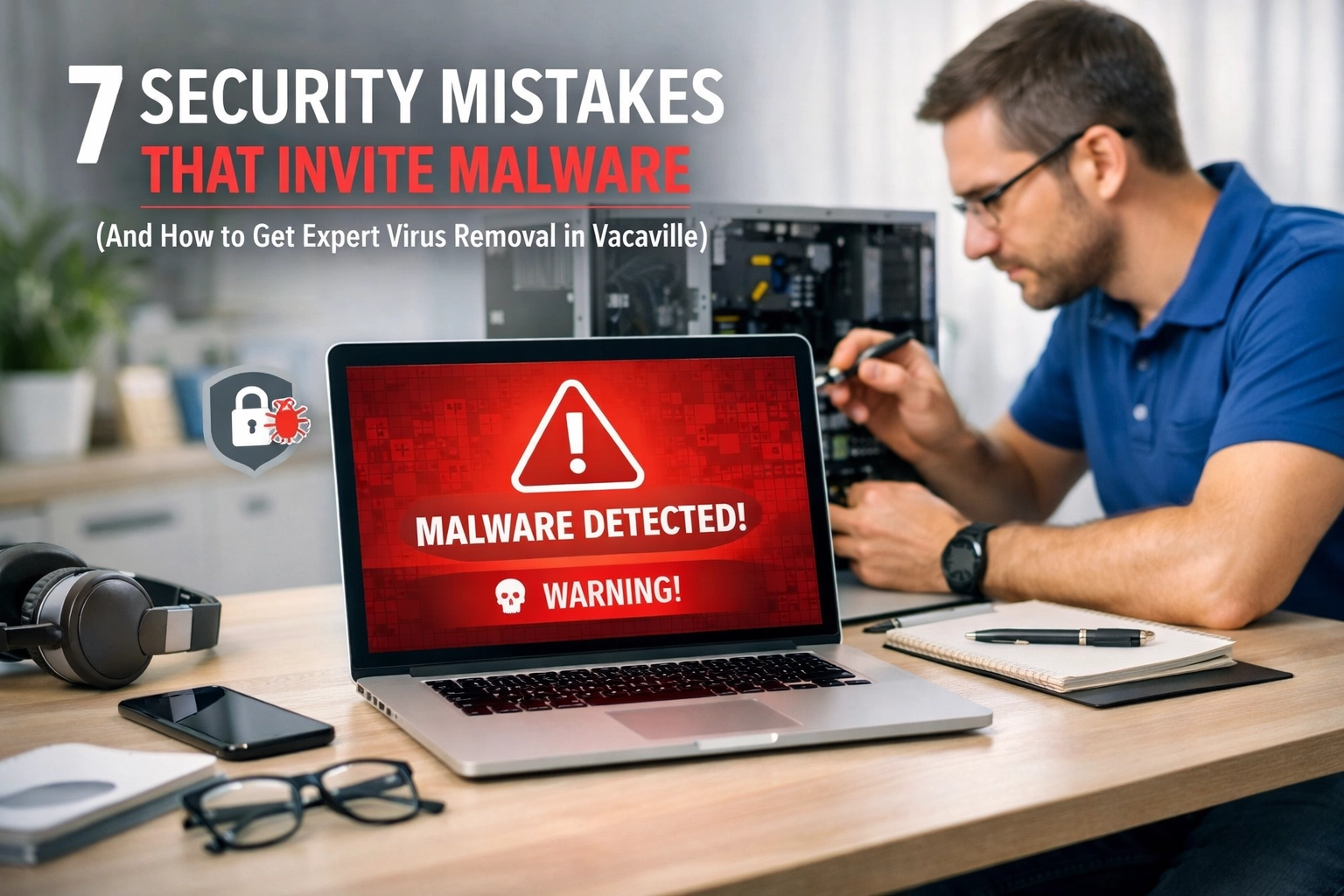
Imagine this: You’re sitting in your home office in Vacaville, sipping coffee and getting ready to tackle your morning emails. You click on a PDF that looks like a routine invoice, and suddenly, your screen flickers. Icons begin to disappear. A bright red window pops up, informing you that all your family photos, tax documents, and business files have been encrypted. Your heart drops. You’ve just become the latest target of a malware attack.
It’s a nightmare scenario that we see far too often here at ART Computer Maintenance and Repair. Most people think "it won't happen to me" until it does. The truth is, hackers aren't just going after big corporations; they are targeting residents and small businesses right here in Solano County because they know local users often have "cracks" in their digital armor.
If you’re worried your computer might already be compromised, don’t panic. We’ve been providing trusted virus removal in Vacaville since 2008. But before you need to call us for an emergency, let’s look at the seven common security mistakes you might be making that are practically inviting malware onto your system.
1. The "Remind Me Tomorrow" Update Trap
We’ve all seen that little pop-up in the corner of the screen telling us a software update is available. It always seems to happen right when you’re in the middle of something important, so you hit "Remind me tomorrow." Then you do it again. And again.
Think of software updates as the "digital locks" on your home. When developers find a "crack" or a vulnerability in their software, they release a patch to fix it. If you don't install that patch, you’re essentially leaving your front door wide open for hackers to walk right in. Outdated software is one of the most common ways people end up needing malware removal in Vacaville.
The Solution: Set your operating system (Windows or macOS) and your core apps (browsers, Adobe, Office) to update automatically. It might be a minor inconvenience for five minutes, but it beats losing your data for five weeks.
2. Using "Password123" for Every Single Account
If you use the same password for your bank, your email, and your favorite local pizza shop’s ordering app, you are living on the edge. This mistake is like having one master key that opens your house, your car, and your office. If a hacker steals that one key from a low-security website, they now have access to your entire life.
Weak passwords are easy targets for "brute force" attacks, where computer programs guess thousands of combinations a second. Once they're in, they can install "keyloggers": a type of malware that records every single stroke you type, including your credit card numbers.
The Solution: Use a dedicated password manager to generate and store complex, unique passwords for every site. More importantly, turn on Multi-Factor Authentication (MFA) whenever possible. That extra text code or app notification is the "deadbolt" that keeps hackers out even if they find your key.

3. Flying Blind Without a Digital Bodyguard
Some people believe that because they "don't visit bad websites," they don't need antivirus software. Others believe that Macs are magically immune to viruses. Both are dangerous myths. Modern malware is incredibly sophisticated. You can get infected just by visiting a legitimate website that has been hijacked or by viewing a "malvertisement": a malicious ad that looks perfectly normal.
Without a robust, active antivirus and firewall, you have no way of knowing when something is trying to burrow into your system. By the time you notice your computer is running slow or behaving strangely, the damage is already done.
The Solution: Invest in professional-grade security software. While free versions are okay, they often lack the "behavioral analysis" needed to stop new, zero-day threats. If you aren’t sure what to install, we can help you set up ongoing protection that keeps your system safe 24/7.
4. Trusting the "Free" Wi-Fi at Your Local Cafe
We love the coffee shops in Solano County, but their public Wi-Fi is a playground for hackers. When you join an unsecured public network, you are essentially sharing a room with everyone else on that network. A hacker sitting three tables away can use "man-in-the-middle" attacks to intercept the data moving between your laptop and the router.
They can see your login credentials, your private messages, and even your bank details as you type them. This is a primary way mobile malware and spyware get onto devices.
The Solution: Avoid doing sensitive tasks like banking or shopping on public Wi-Fi. If you must work on the go, use a Virtual Private Network (VPN) to encrypt your connection. It’s like putting your data in a secure, armored truck while it travels through public streets.
5. Giving Every User "God Mode"
This is a big mistake for both families and small businesses in Vacaville. Most people set up their computers with a single "Administrator" account and use it for everything. The problem? If you are logged in as an admin and you accidentally click on a malicious link, the malware inherits those admin rights. It can then install itself deep in your system, disable your antivirus, and lock you out.
The Solution: Create a "Standard User" account for daily browsing and work. Only log into the Administrator account when you actually need to install software or change system settings. This creates a "safety net" that prevents most malware from gaining the permissions it needs to do real damage.
6. Clicking Before You Think (The Phishing Problem)
Phishing is still the #1 way malware spreads. Hackers have become experts at psychological manipulation. They send emails that look like they’re from the UPS, your bank, or even a coworker, creating a sense of urgency. "Your account has been suspended!" or "Action required on your recent order!"
Once you click that link or open that attachment, the malware is delivered. To learn more about how these traps work, check out our guide on Internet Safety 101: How Hackers Target You.
The Solution: Slow down. Hover your mouse over links to see the real URL. Check the sender's email address for typos (like @g00gle.com instead of @google.com). If an email feels "off," it probably is.
7. The Ultimate Mistake: No Disconnected Backup
The only thing worse than getting a virus is losing all your data because you didn't have a backup. Many people think having their files on a cloud drive like Dropbox or OneDrive is enough. But if ransomware hits your computer, it often syncs those encrypted files straight to the cloud, ruining your "backups" too.
If you don't have a backup that is disconnected from your network (like an external hard drive you unplug or a specialized cloud backup service with version history), you are at the mercy of the hackers.
The Solution: Follow the 3-2-1 rule: Three copies of your data, on two different types of media, with one copy stored off-site and disconnected.
What to Do if You Think You Have a Virus
Sometimes, despite our best efforts, mistakes happen. If your computer is acting weird: opening random tabs, running extremely loud/hot, or showing you "security warnings" that ask for money: stop what you're doing immediately.
Continuing to use an infected machine can lead to identity theft and total data loss. This is where ART Computer Maintenance and Repair comes in. We offer specialized malware removal in Vacaville that goes far beyond just running a basic scan.
Our expert technicians perform deep-system cleaning to ensure every trace of the infection is gone. We don't just delete the virus; we check for hidden backdoors that hackers leave behind to get back in later. Since 2008, we’ve helped thousands of Solano County residents recover their digital lives.
Why Choose ART Computer for Virus Removal in Vacaville?
When your data is on the line, you don't want a "hobbyist" poking around in your files. You want a team that has seen it all. At ART Computer, we pride ourselves on being reliable. We offer:
- Deep Malware Extraction: We find the hidden stuff the "free" scanners miss.
- System Optimization: Often, after a virus is removed, the system is still "clunky." We tune it up so it runs better than before the infection.
- Preventative Setup: We don't just fix the problem; we help you set up the protections mentioned above so it doesn't happen again.
- Local Expertise: We are a part of this community. When you call us, you’re talking to a neighbor, not a call center overseas.
If you suspect your computer is under attack, don't wait for things to get worse. Reach out for expert virus removal in Vacaville today. Let’s get your digital world back in order and make sure those hackers stay locked out for good.
About the Author: Raymond Beckham
Raymond Beckham is the CEO of ART Computer Maintenance and Repair. With nearly two decades of experience in the IT industry, Raymond has built ART Computer on the foundations of reliability, transparency, and expert local service. Since 2008, he has led a team dedicated to solving the most complex technical challenges for the residents and small businesses of Solano County. Whether it's a simple screen repair or complex server management, Raymond’s goal is to provide "big city" expertise with "small town" customer service. Under his leadership, ART Computer has become the go-to resource for anyone seeking a "trusted advisor" in the digital age.
Need Help With Your Tech?
Our team is ready to help — on-site, same-day service across Solano County.