The Ultimate Guide to Laptop Repair in Vacaville: Hardware vs. Software Fixes
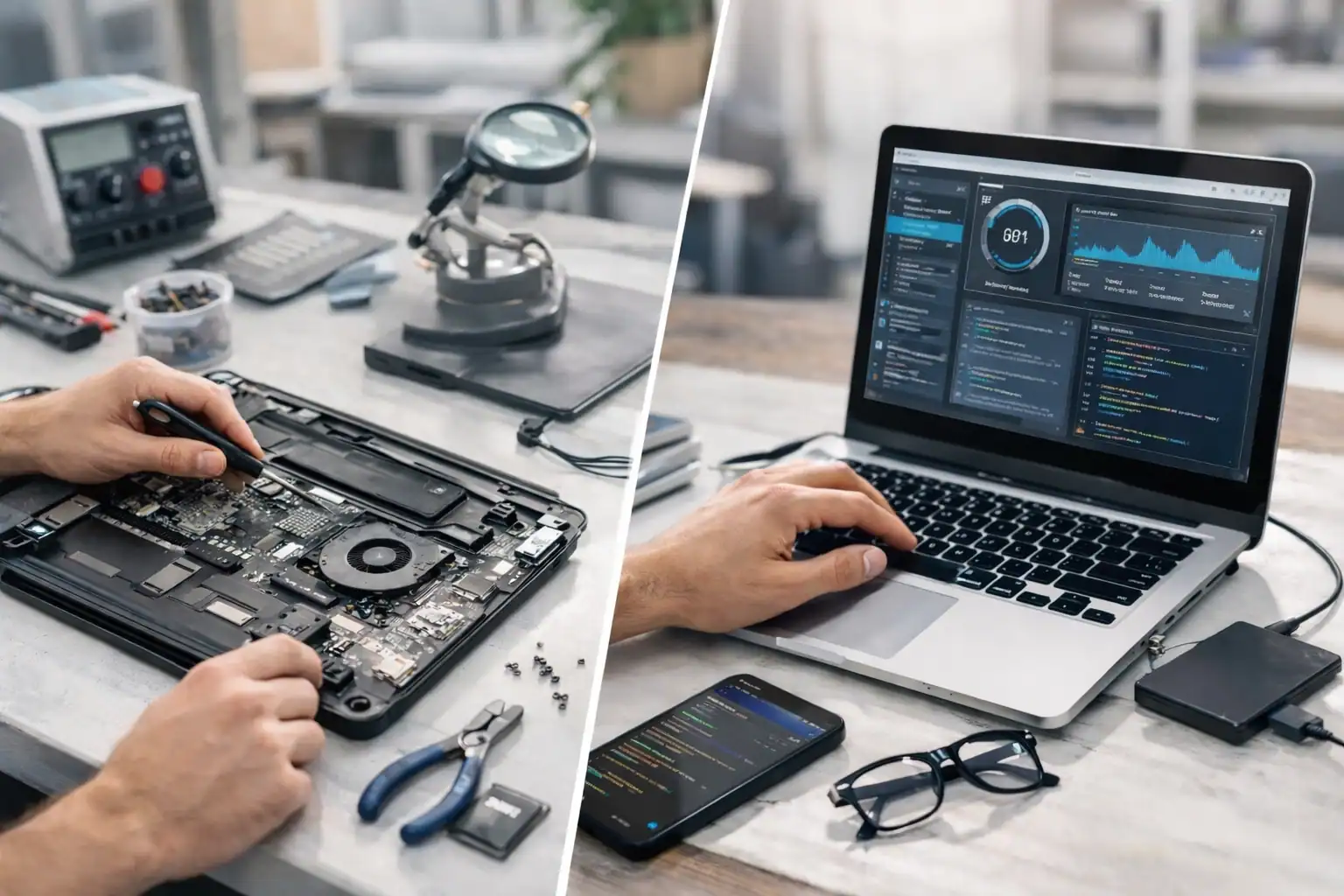
Imagine you’re sitting in your home office in Vacaville, right in the middle of a critical project that needs to be finished by morning. Suddenly, your laptop screen flickers and goes dark. Or maybe you press the power button, and instead of the familiar glow, you get a series of ominous beeps. Your heart sinks. Your entire digital life, from family photos to business tax records, is trapped inside that silent piece of aluminum and plastic.
At ART Computer Maintenance and Repair, we’ve seen this scenario play out thousands of times since we opened our doors in 2008. Whether you are a student at Solano Community College or a small business owner downtown, a broken laptop isn't just a technical glitch; it's a major disruption to your life.
The big question usually is: Is this something I can fix with a reboot, or do I need a pro? Understanding the difference between hardware and software issues is the first step toward getting back online. This guide will walk you through everything you need to know about laptop repair in Vacaville to help you make the best decision for your device and your wallet.
Hardware vs. Software: The "Car" Analogy
To understand what’s wrong with your laptop, it helps to think of it like a car.
Hardware is the physical body of the car, the engine, the tires, the seats, and the windshield. If you have a flat tire or a cracked windshield, no amount of "turning the car off and back on" is going to fix it. You need a physical replacement.
Software is like the driver or the GPS system. If the GPS is giving you wrong directions or the driver is confused, the car might not go where it’s supposed to, even if the engine is in perfect shape. These issues are often fixed by updating the maps or giving the driver better instructions.
When you call us for computer repair in Vacaville, our first job is to determine if your "car" has a mechanical failure or if it just needs a better "driver."
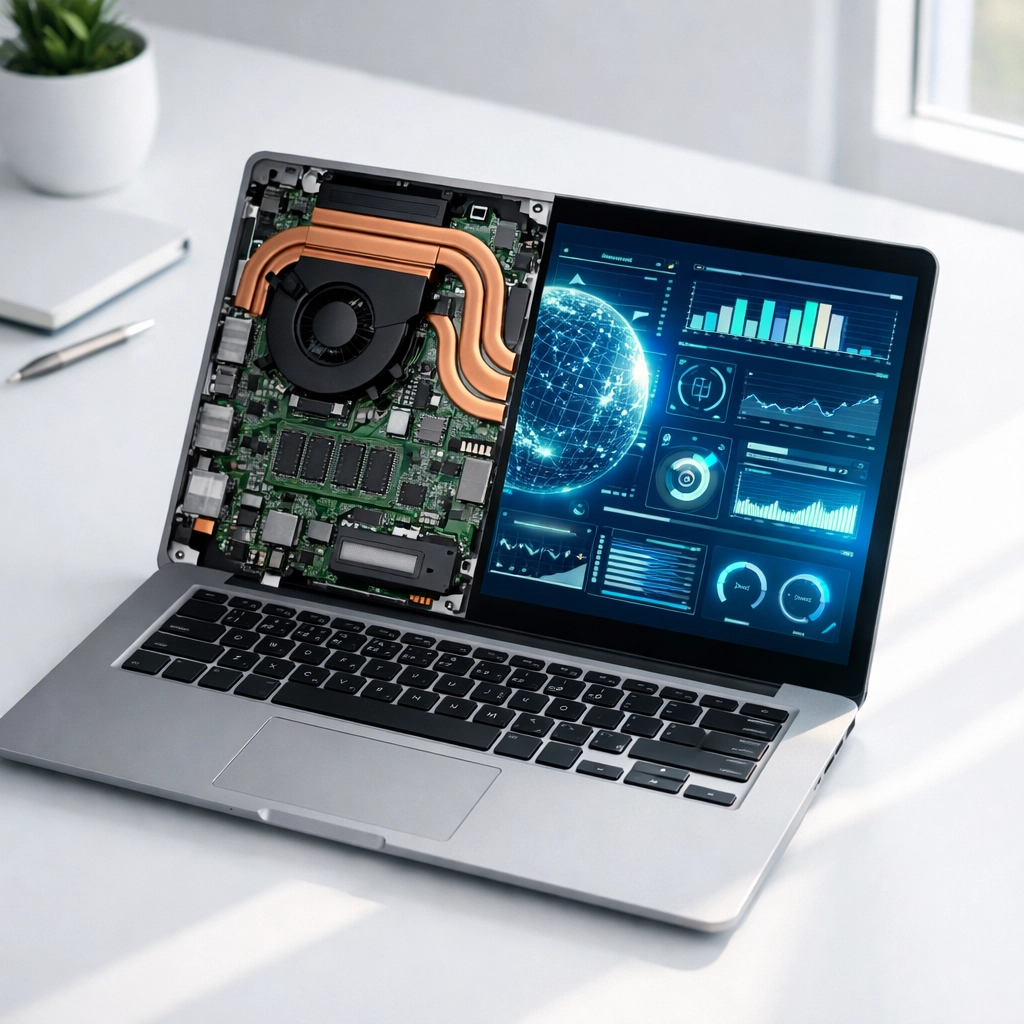
Common Hardware Failures: The Physical Fixes
Hardware issues are often the most stressful because they usually involve parts that have physically worn out or been damaged by an accident (like that spilled latte at the Nut Tree).
1. Screen Repair: The Window to Your Digital World
A cracked or flickering screen is one of the most common reasons for laptop repair in Vacaville. If your screen has colorful lines, black spots (ink bleeds), or is completely dark while the power lights are on, you’re looking at a hardware failure.
Because laptops are designed to be thin and portable, the screens are incredibly delicate. We specialize in sourcing high-quality, compatible displays to get your "window" clear again. Attempting a DIY screen replacement often leads to snapped ribbon cables or short-circuited motherboards, so this is definitely a job for a professional.
2. Battery and Power Issues: The Heartbeat
Does your laptop die the second you unplug it? Does it take forever to charge, or does the battery area feel alarmingly hot? Laptop batteries are "consumables," meaning they have a finite lifespan, usually three to five years.
If your battery is swelling (you might notice your trackpad popping up or the bottom of the case bulging), stop using it immediately. A swollen battery is a fire hazard. We can safely remove and replace these components to keep your device, and your home, safe.
3. Keyboard and Trackpad Failures
Laptops are magnets for dust, crumbs, and spills. If certain keys stop responding or your mouse cursor starts jumping around wildly, it’s likely a hardware issue. Sometimes a deep cleaning works, but often, the entire keyboard assembly needs a swap.
Common Software Issues: The Digital Tune-Up
Sometimes, your hardware is perfectly healthy, but your laptop is acting like it’s stuck in thick mud. These are software issues, and they are often the culprit behind a "slow" computer.
1. Software Optimization and Bloatware
Over time, your laptop collects "digital clutter." Programs you don't use anymore might be running in the background, eating up your "short-term memory" (RAM). This leads to frustrating lag. If you’re wondering why your machine feels five years older than it actually is, check out our guide on 10 reasons your computer is lagging and when to call for pc repair in Vacaville.
2. Operating System Corruption
If your laptop gets stuck in an "Update Loop" or gives you the "Blue Screen of Death," the software files that tell your computer how to run have become corrupted. This can happen after a failed update or a sudden power loss. We can often repair these files without losing your precious data.
3. Viruses and Malware
Malware is like a digital parasite. It hitches a ride on a downloaded file and starts stealing your resources, or worse, your identity. If you see strange pop-ups or your browser keeps redirecting you to weird websites, you need a professional deep-clean to ensure every trace of the infection is gone.
On-Site vs. Remote Support: What’s Best for You?
One of the reasons Vacaville residents have trusted ART Computer Maintenance and Repair since 2008 is our flexibility. We know you’re busy, and you don't always have time to drop off a machine.
- On-Site Repair: For hardware issues like broken screens or battery replacements, we can often come directly to your home or office. We serve the entire Vacaville area, bringing the tools and expertise to you.
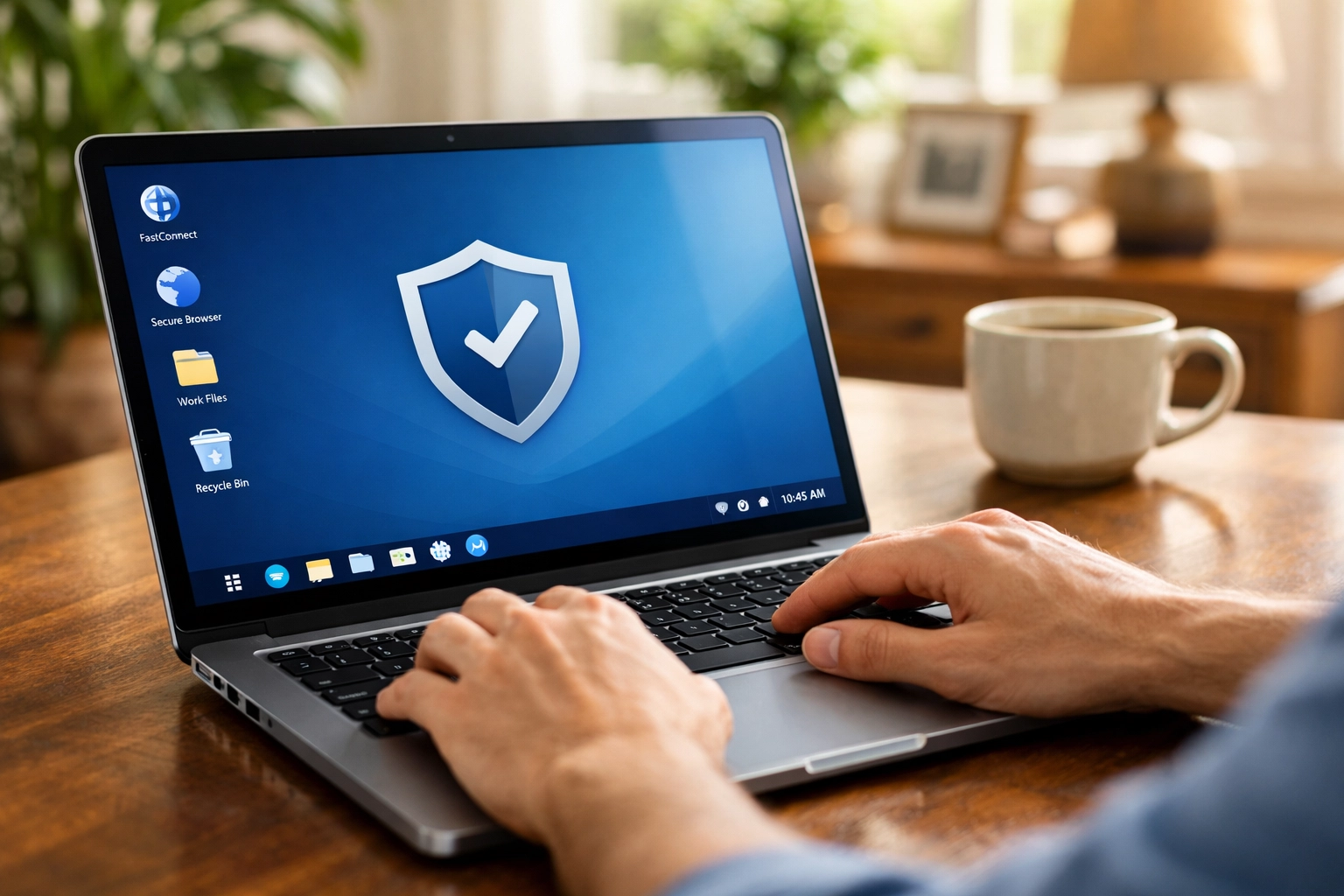
- Remote Support: If your laptop is turning on and can connect to the internet, but it’s running slow or acting buggy, we can often fix it remotely. We securely log into your machine (with your permission) and perform a digital tune-up while you stay in your pajamas. It’s fast, efficient, and saves you a trip!
When to Repair vs. When to Replace
As a reliable IT partner, we believe in being honest with our customers. Sometimes, the cost of a repair doesn't make sense for an older machine.
A good rule of thumb is the 50% Rule: If the cost of the repair is more than 50% of the cost of a brand-new laptop with similar specs, it might be time to say goodbye. However, if your laptop was a high-end model or is only a couple of years old, a repair is almost always the smarter, more eco-friendly choice.
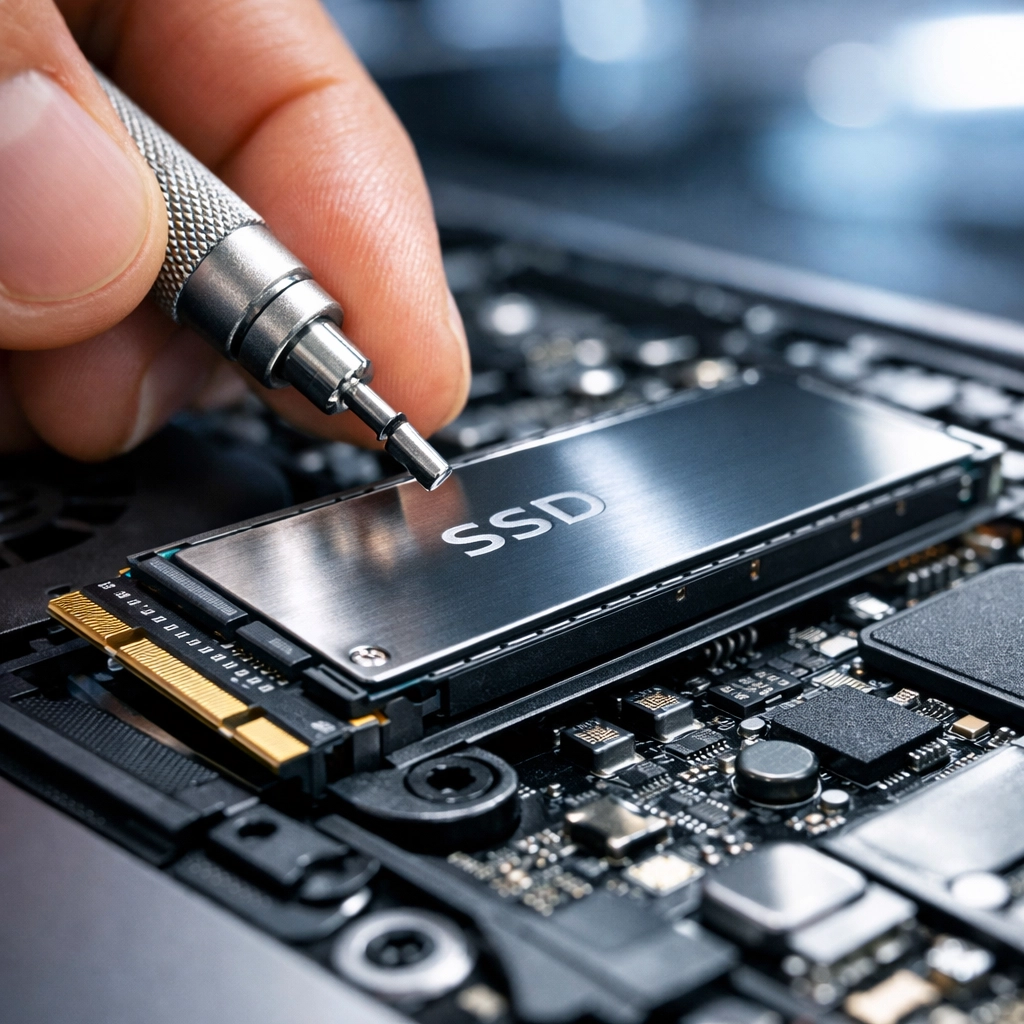
We can help you weigh these options. Often, a simple upgrade: like replacing an old spinning hard drive with a modern Solid State Drive (SSD): can make a 5-year-old laptop feel faster than the day you bought it.
Why Choose ART Computer Maintenance and Repair?
Since 2008, we have been the go-to experts for computer repair in Vacaville. We don't just fix machines; we support people. We understand that your laptop is your connection to your work, your family, and your community.
When you choose us, you’re getting:
- Local Expertise: We know Solano County. We aren't a faceless big-box store; we are your neighbors.
- Proven Reliability: Over 15 years of experience means there isn't much we haven't seen.
- Transparent Pricing: No hidden fees or "tech-speak" meant to confuse you.
- Comprehensive Service: From business IT services to home computer repair, we cover it all.
Final Thoughts: Don't Let a Glitch Slow You Down
Whether your laptop has a physically broken part or a digital bug, the worst thing you can do is wait. Small hardware issues, like a clicking fan, can lead to total system failure if left unaddressed. Software issues, like minor malware, can lead to full-scale identity theft.
Take a proactive step today. If your laptop is acting up, let the experts take a look. We make it easy to get help: you can even Book Now to schedule a time that works for you.
Don't let tech stress ruin your week. Whether you need a screen replaced or a system optimized, we’re here to get your digital life back on track.
About the Author
Raymond Beckham is the CEO of ART Computer Maintenance and Repair. With a career spanning over two decades in the IT industry, Raymond founded ART Computer in 2008 with a simple mission: providing reliable, honest, and expert computer repair services to the Vacaville and Solano County community. Under his leadership, ART Computer has grown from a local repair shop into a comprehensive IT solutions provider for both residential and business clients. Raymond is a firm believer that technology should empower people, not frustrate them, and he continues to lead his team with a "customer-first" philosophy. When he isn't solving complex networking issues, he’s passionate about staying ahead of the latest cybersecurity trends to keep his clients safe.
Need Help With Your Tech?
Our team is ready to help — on-site, same-day service across Solano County.