Data Recovery Explained: What to Do First to Save Your Files in Solano County
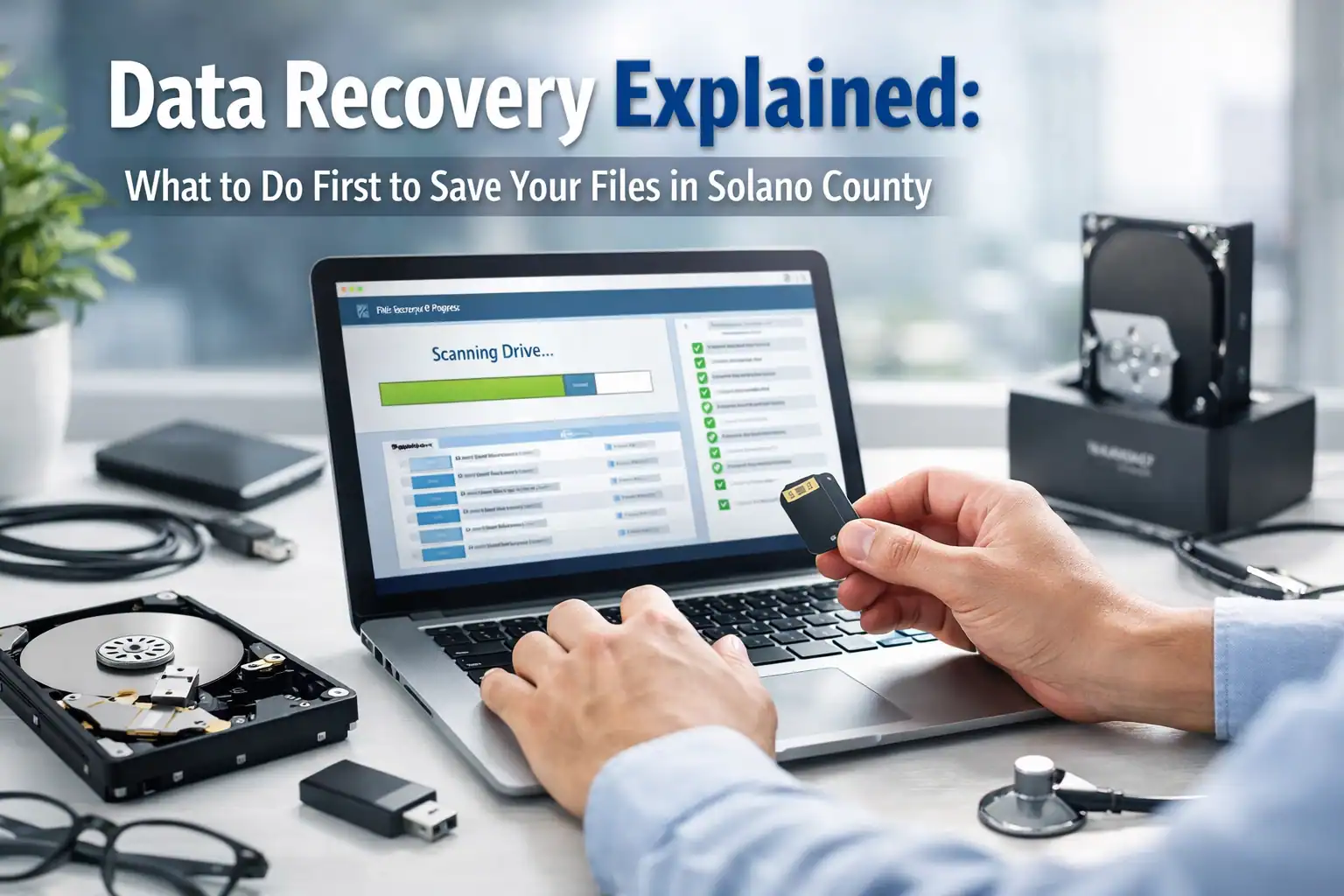
Imagine this: You’re sitting in your home office in Vacaville, putting the finishing touches on a massive project or organizing the digital photos from your last family vacation. Suddenly, your computer freezes. You restart it, hoping for the best, only to be met with a black screen and a terrifying message: "Boot Device Not Found." Or perhaps you hear it: a rhythmic, mechanical click… click… click… coming from your hard drive.
In that split second, your heart drops. You realize years of memories, critical business documents, or months of hard work might be gone. The panic is real, and the urge to start clicking everything or downloading "free" recovery software is overwhelming.
But take a deep breath. At ART Computer Maintenance and Repair, we’ve seen this exact scenario play out for hundreds of neighbors across Solano County since 2008. While data loss feels permanent, it often isn't: provided you take the right steps in the first few minutes.
The Golden Rule: Stop Everything Immediately
If you suspect your drive is failing, the absolute most important thing you can do is stop using the device.
Why is this so critical? Think of your hard drive like a chalkboard that is completely full of writing. When you "delete" a file or when a file system becomes corrupted, the computer doesn't actually erase the data right away. Instead, it just marks that space as "available" to be written over.
If you keep browsing the web, downloading software, or even just leaving the computer on, your operating system is constantly writing small "temp" files to the background. These new files can land right on top of your lost data, crushing it forever. Once a file is overwritten, it is gone. Period.
By powering down the machine, you are freezing the "chalkboard" in its current state, giving a professional the best possible chance at a successful data recovery in Vacaville.
Understanding the Difference: HDDs vs. SSDs
Not all storage is created equal, and how we approach recovery depends heavily on what is inside your computer.
The Traditional Hard Disk Drive (HDD)
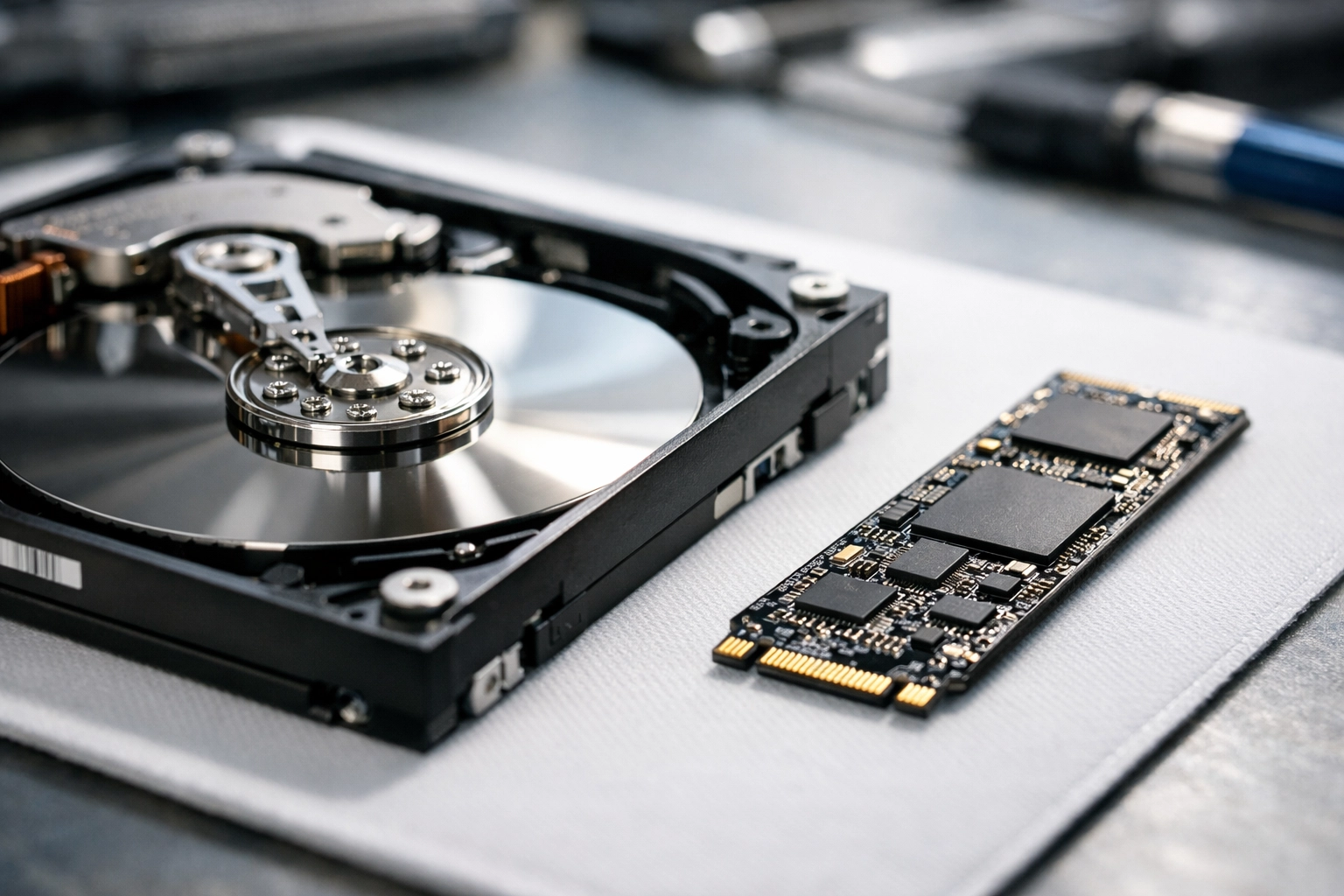
An HDD is a mechanical marvel. Inside, there are spinning glass or aluminum platters coated in magnetic material, with a tiny "read/write head" hovering nanometers above the surface. It’s a lot like a high-tech record player.
When these fail, it’s often a mechanical issue. The motor might seize, or the head might crash into the platter (a "head crash"). If you hear clicking, grinding, or whirring, that is a physical part failing. Every second it stays powered on, that failing part could be physically scratching the data off the disk.
The Solid State Drive (SSD)
Most modern laptops use SSDs. There are no moving parts here; everything is stored on flash memory chips. While SSDs are much faster and more durable against drops, they are significantly harder to recover data from if they fail electrically.
One major hurdle with SSDs is a feature called TRIM. When you delete a file on an SSD, the TRIM command tells the drive to proactively wipe those cells to keep the drive fast. This makes "accidental deletion" recovery on an SSD a race against the clock.
The Professional Recovery Process: How We Save Your Data
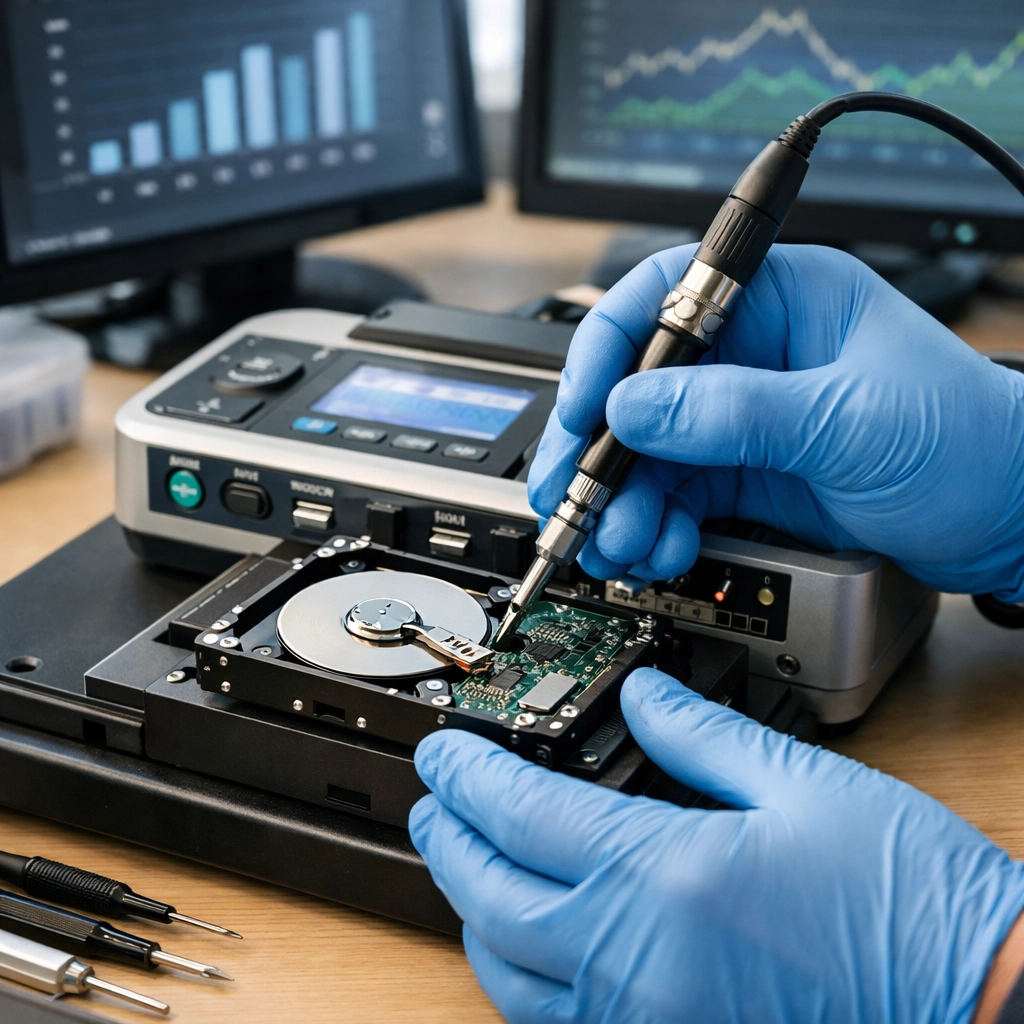
When you bring your device to our Vacaville computer repair shop, we don’t just "plug it in and hope." We follow a rigorous, multi-step process designed to protect your data at every turn.
1. The Diagnostic Phase (The X-Ray)
First, we determine the "why." Is it a logical failure (the drive works fine, but the files are scrambled)? Or is it a physical failure (the hardware is broken)? We use specialized hardware tools that can talk to your drive at a deep level, bypassing the standard Windows or Mac operating systems that might cause the drive to crash further.
2. Byte-to-Byte Imaging (The Safety Net)
This is the most critical step. We never work directly on your original failing drive. Instead, we create a byte-to-byte clone.
Think of this as making a perfect, high-resolution photocopy of a fragile historical document. Once we have the "image" (the clone), we put your original drive safely in a padded box. We do all our recovery attempts on the copy. This ensures that even if our software takes hours to scan the files, your original hardware isn't being stressed or worn down.
3. Data Extraction and Reconstruction
Once we have a stable image, we use advanced forensic tools to piece the "puzzle" back together. We can often find the underlying folder structures, restoring your files exactly where you left them: Desktop, Documents, Photos, and all.
4. Verification and Transfer
We don’t just give you a pile of data. We verify that the files actually open and aren't corrupted. Finally, we move your recovered data to a brand-new, healthy external drive or a new computer.
The Dangers of DIY Recovery Software
It is tempting to go to Google and search for "free data recovery." However, for businesses and residents in Solano County, this is often where a "recoverable" situation turns into a "permanent loss."
Most DIY software requires you to install it on the very computer that is failing. As we discussed earlier, installing anything risks overwriting the lost data. Furthermore, if your drive has a physical mechanical issue, running a "deep scan" for six hours with a cheap piece of software will likely cause the drive to burn out completely before it finishes.
If your data is important: if it’s your business's financial records or the only copies of your child's first steps: skip the DIY attempts and contact a professional.
Why Local Expertise Matters in Solano County
You might see "big box" stores or massive mail-in labs advertising data recovery. But there is a massive advantage to working with a local team like ART Computer.
- No Shipping Risks: Shipping a fragile, failing hard drive across the country in a cardboard box is a recipe for disaster. One bad bump from a delivery truck can turn a simple software fix into a catastrophic mechanical failure.
- Faster Turnaround: When your business is down, you can’t wait three weeks for a lab in another state to get back to you. We are right here in Vacaville, ready to start the moment you walk through the door.
- Trusted Since 2008: We’ve been a part of the Solano County community for nearly two decades. We treat your data with the privacy and respect that neighbors deserve.
How to Prevent the Next Crisis
While we are experts at data recovery in Vacaville, our goal is actually to make sure you never need that service again. Data recovery is often expensive and stressful. A solid backup plan is neither.
We strongly recommend that every Vacaville business and resident follows the 3-2-1 Backup Rule:
- 3 copies of your data.
- 2 different types of media (e.g., your computer and an external drive).
- 1 copy stored off-site (the cloud).
For local businesses, this is especially vital. We’ve put together a guide on why every Vacaville business needs a cloud backup service to help you get started.
A Path Forward for Your Lost Files
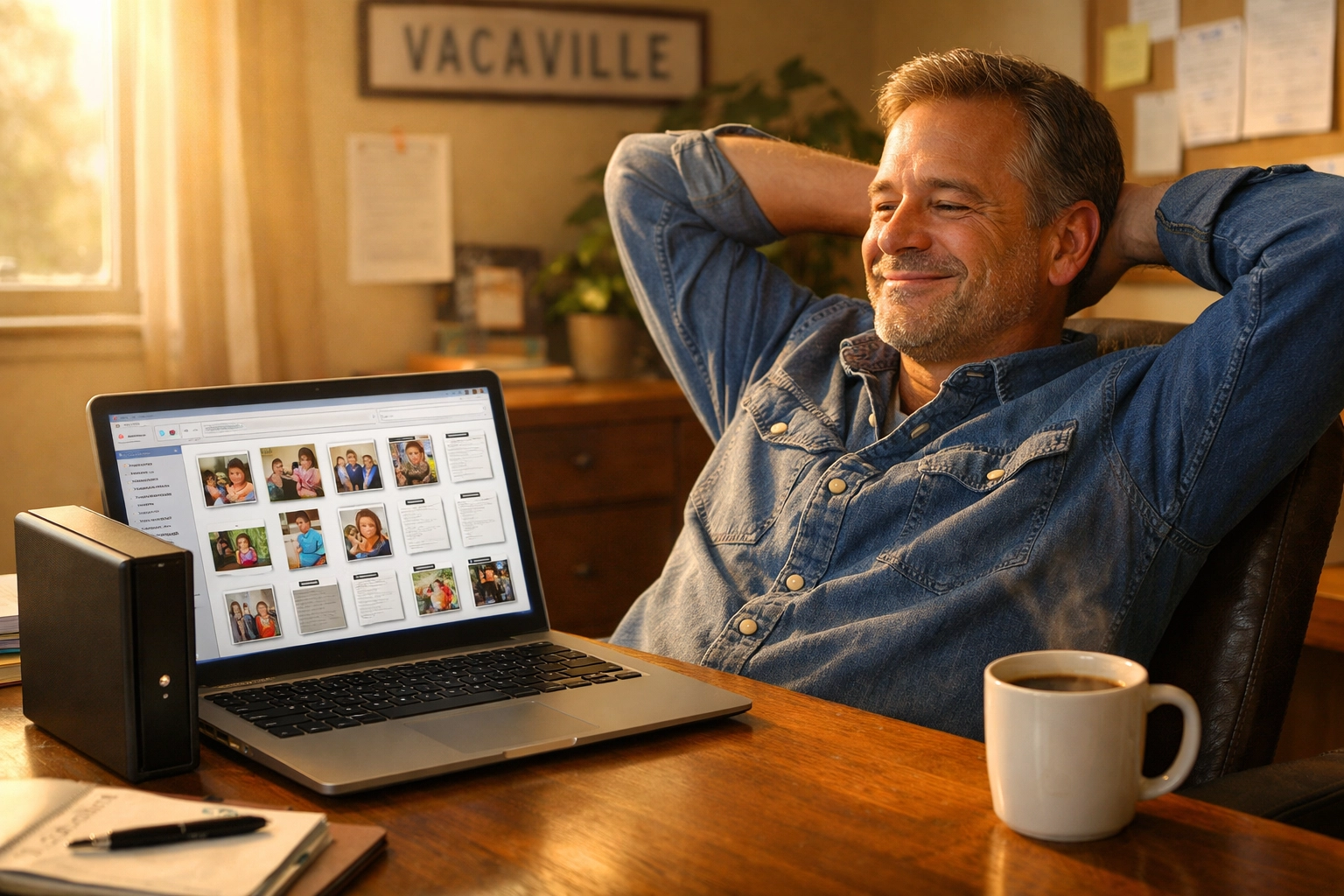
Losing data feels like losing a piece of your history or your livelihood, but it doesn't have to be the end of the story. If you are staring at a blank screen or hearing a clicking drive right now, remember: Power it down, leave it off, and get it to an expert.
Whether you are in Dixon, Fairfield, or right here in Vacaville, ART Computer Maintenance and Repair is here to help you navigate the technical hurdles and get your digital life back on track. We've spent years refining our recovery techniques to provide the highest success rates possible for our Solano County clients.
Don't leave your memories to chance. If you're in a data crisis, Book your diagnostic now or stop by our shop. We’ll give you a straight answer, a reliable plan, and the best chance at seeing your files again.
About the Author: Raymond Beckham
Raymond Beckham is the CEO of ART Computer Maintenance and Repair. With over 15 years of experience serving the Solano County community, Raymond has established ART Computer as the go-to resource for both residential and business IT needs. Since founding the company in 2008, he has focused on providing reliable, "plain-English" technical support that empowers locals to use technology safely and efficiently. Under his leadership, ART Computer has grown from a local repair shop into a full-service IT partner, known for its integrity, deep technical expertise, and commitment to the Vacaville area. When he isn't saving hard drives, Raymond is dedicated to staying ahead of the latest cybersecurity trends to keep Solano County businesses secure.
Need Help With Your Tech?
Our team is ready to help — on-site, same-day service across Solano County.