

Laptop Repair in Vacaville: Hardware vs. Software
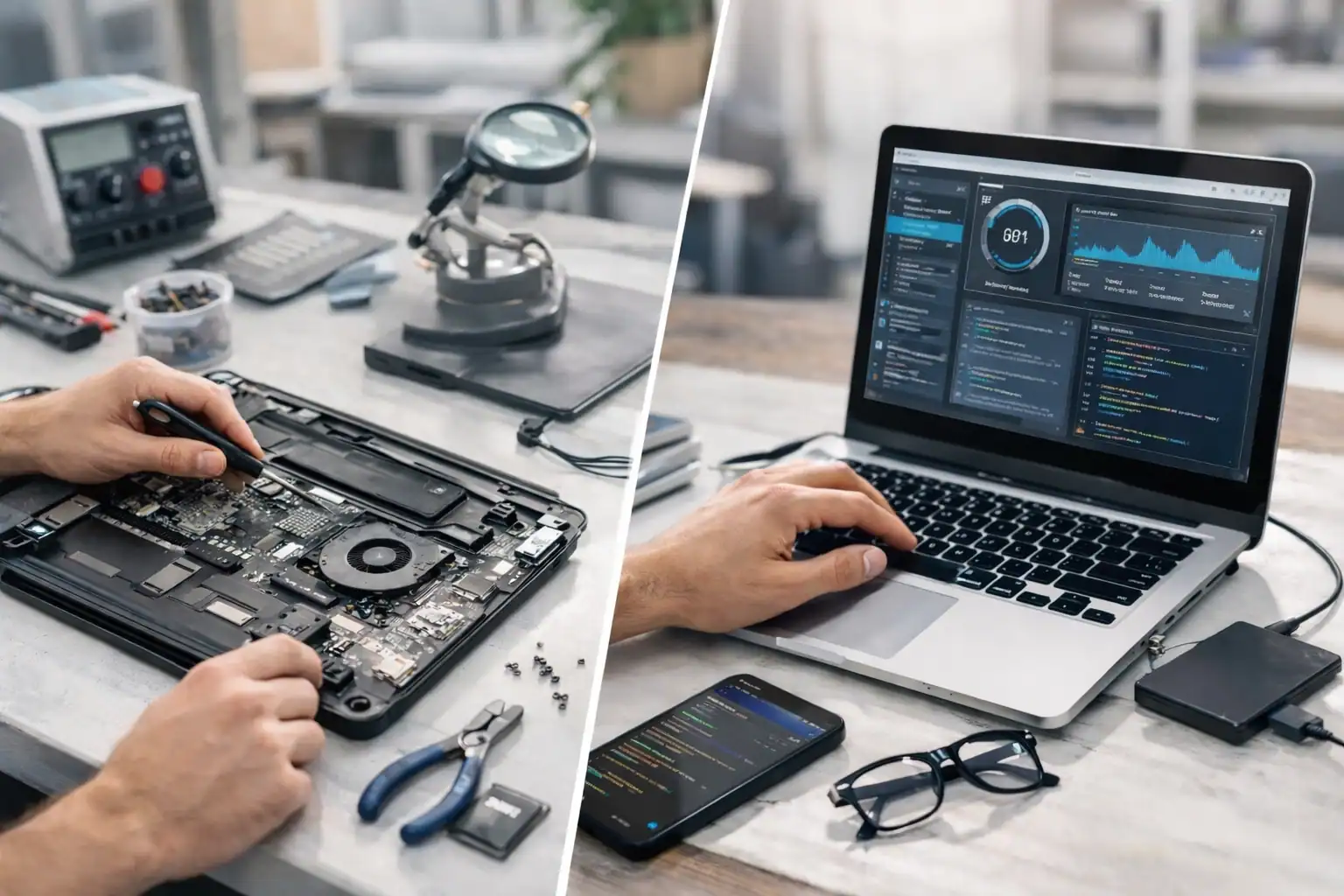
Your laptop screen just went dark mid-project. Or maybe it won’t turn on at all, just a series of beeps. The first question is always the same: can I fix this myself, or do I need a professional?
The answer depends on whether it’s a hardware problem or a software problem. Here’s how to tell the difference — and what to do next.
Hardware vs. Software: The Quick Distinction
Hardware is anything physical — the screen, battery, keyboard, fan. If a part is broken, worn out, or damaged, no amount of rebooting will help.
Software is everything digital — your operating system, drivers, apps. If the instructions running your machine are corrupted or conflicting, the laptop misbehaves even though the parts are fine.
Common Hardware Failures
Cracked or Flickering Screens
Colorful lines, dark spots, or a completely black display (while the power light is on) point to a failed screen. Laptop displays are thin and fragile — and DIY replacement often leads to snapped ribbon cables or short-circuited boards.
Bottom line: screen replacement is a job for a technician.
Battery and Power Problems
If your laptop dies the instant you unplug it or the battery area feels unusually hot, the battery may be failing. Watch for these warning signs:
- Trackpad popping up or case bulging (swollen battery)
- Charging takes far longer than it used to
- Laptop shuts off at 30%+ battery
A swollen battery is a fire hazard. Stop using the laptop and get it serviced immediately.
Keyboard and Trackpad Issues
Dead keys, phantom typing, or a cursor that jumps on its own usually mean liquid damage or debris under the keys. Sometimes a deep cleaning fixes it; often the keyboard assembly needs replacement.
Common Software Issues
Bloatware and Background Clutter
Programs you forgot about can pile up and run in the background, eating RAM and slowing everything down. If your laptop feels five years older than it actually is, software bloat is a likely culprit. Our guide on why your computer is slow covers 10 specific fixes.
Operating System Corruption
Stuck in an update loop? Getting the Blue Screen of Death? A failed update or sudden power loss can corrupt critical system files. In most cases, these can be repaired without losing your data.
Viruses and Malware
Strange pop-ups, browser redirects, and unexplained slowdowns often signal an infection. A professional deep-clean ensures every trace is removed — not just what a free scanner catches. The Cybersecurity and Infrastructure Security Agency (CISA) recommends regular scans and keeping software updated as your first line of defense.
On-Site vs. Remote Repair
Not every fix requires dropping off your machine:
- On-site repair — Best for hardware issues (screens, batteries, fans). We serve homes and offices across Vacaville and Solano County.
- Remote support — Best for software problems. If your laptop boots and connects to the internet, we can securely log in and fix it while you go about your day.
When to Repair vs. When to Replace
Use the 50% rule: if the repair costs more than half the price of a comparable new laptop, replacement makes more sense. But if your machine is only a couple years old or was a high-end model, repair is almost always the smarter move.
Often, a single upgrade changes everything. Swapping an old spinning hard drive for an SSD can make a 5-year-old laptop feel faster than the day you bought it.
Why Vacaville Trusts ART Computer
Since 2008, ART Computer Maintenance and Repair has been the go-to for laptop and computer repair in Solano County. Avoid the 7 common laptop mistakes that lead to expensive repairs, and when your machine does need professional help, we’re right down the road.
- Local expertise — We’re your neighbors, not a faceless big-box store.
- 17+ years of experience — There isn’t much we haven’t seen.
- Transparent pricing — No hidden fees or confusing tech jargon.
Don’t Wait for a Small Problem to Become a Big One
A clicking fan today can become a dead motherboard next month. A minor malware infection can escalate to full identity theft. Early intervention saves money and data.
If your laptop is acting up, book an appointment and let us diagnose it — whether it turns out to be a quick software tune-up or a hardware repair.
Need Help With Your Tech?
Our team is ready to help — on-site, same-day service across Solano County.


