

5 Red Flags Your Computer Has a Virus
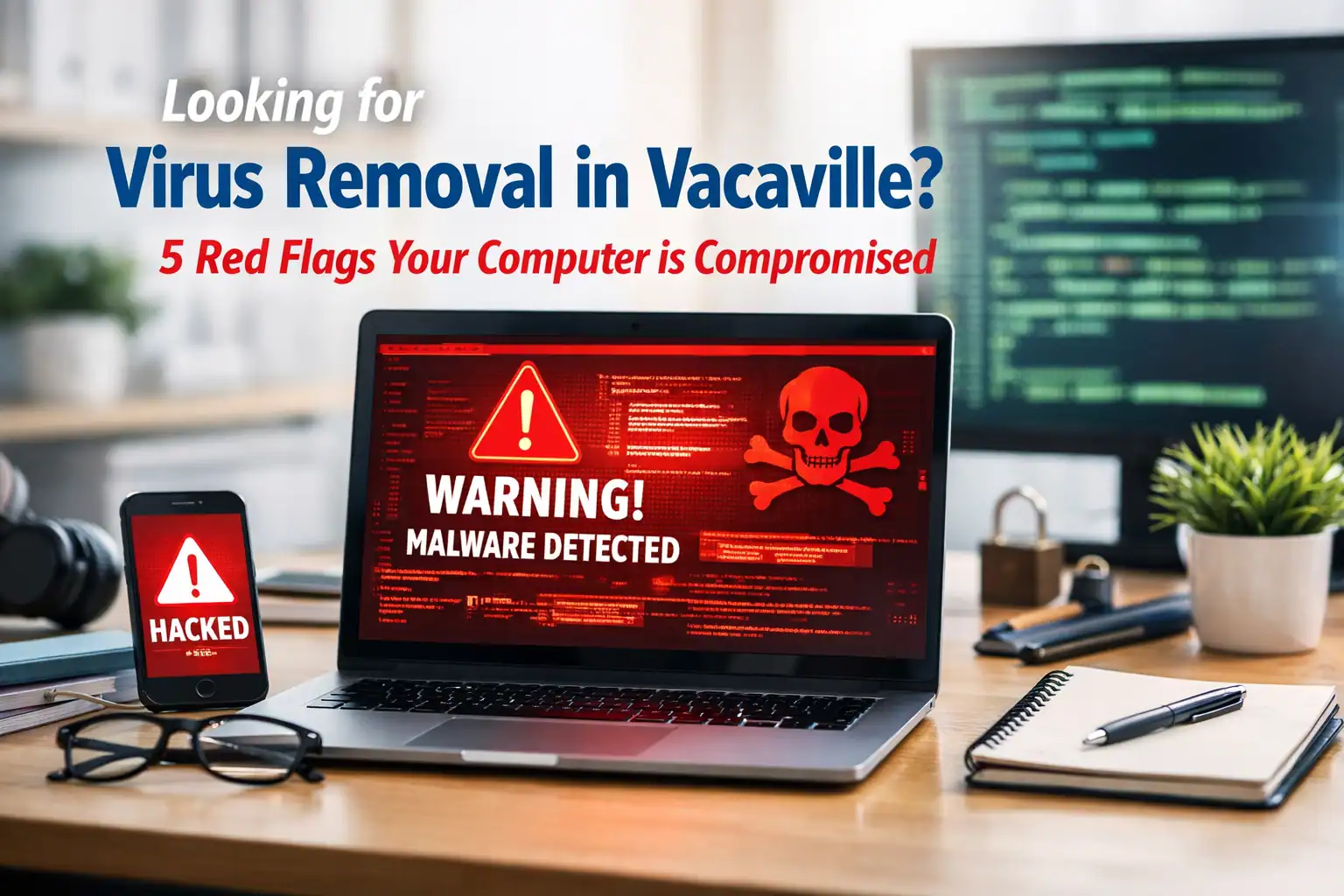
Your computer is suddenly slow, pop-ups are appearing out of nowhere, and something just feels off. These aren’t random glitches — they’re warning signs that your machine may be compromised.
Here are five red flags to watch for and what to do if you spot them.
1. Unexplained Slowdowns
There’s a difference between “aging hardware” slow and “something is stealing your resources” slow. If your computer went from fast to sluggish overnight, malware could be running hidden processes in the background.
Common culprits include:
- Crypto-miners — Hijacking your processing power to mine cryptocurrency for someone else
- Botnet software — Using your machine to attack other systems
- Spyware — Silently monitoring and transmitting your activity
If your PC is chugging for no apparent reason, it’s time for a professional diagnostic. (If slowdowns started gradually rather than overnight, it may be a different issue — check our 10 fixes for a slow computer.)
2. Pop-Ups When You’re Not Browsing
Seeing ads when your browser isn’t even open? Your homepage changed to a search engine you’ve never heard of? You likely have adware or a browser hijacker — and these “nuisance” infections often leave the door open for far worse threats.
The most dangerous version: fake antivirus pop-ups that mimic Windows or macOS alerts, warning you about “infections” and providing a phone number to call. Never call those numbers. They’re designed to gain remote access to your machine and steal your financial information.
3. Emails or Messages You Didn’t Send
Check your sent folder. If there are messages you didn’t write — or friends are asking why you sent them a strange link — your accounts have been compromised.
This often traces back to a keylogger: malware that records every keystroke, capturing passwords as you type them. Once hackers have your credentials, they use your trusted identity to spread malware to your contacts.
The FTC recommends changing your passwords immediately from a clean device if you suspect account compromise. For businesses, AI-powered phishing makes this threat even more dangerous.
4. Overheating and Loud Fans (Without Reason)
If you’re not gaming or editing video but your laptop sounds like it’s preparing for takeoff, something is pushing your hardware to its limit. Malware — especially ransomware preparing to encrypt your files or crypto-miners — consumes massive CPU power.
This doesn’t just slow you down. Sustained overheating physically damages components, turning a software infection into a hardware replacement bill.
5. Disappearing Files or Full Storage
Is your drive suddenly full even though you haven’t downloaded anything? Are saved files missing or unopenable? Act fast — this could be ransomware.
Ransomware encrypts your files and demands payment for the decryption key. We’ve seen this hit small businesses across Solano County. A reliable backup strategy is your best insurance — learn the 3-2-1 backup rule in our data recovery guide.
Why DIY Virus Removal Is Risky
Free antivirus tools catch surface-level threats, but sophisticated malware is designed to evade basic scanners. Some viruses even disable your antivirus without alerting you.
Professional virus removal involves:
- Deep-system scanning with enterprise-grade tools
- Registry repair
- Removing “persistence mechanisms” that let malware reinstall itself after reboot
- Verifying no backdoors remain
To prevent reinfection, review the 7 security mistakes that invite malware.
What to Do Right Now
If you’ve spotted any of these red flags, take these steps immediately:
- Disconnect from the internet — Stop the malware from communicating with its source
- Avoid sensitive sites — Don’t log into banking or shopping until the machine is cleared
- Get professional help — Let a technician determine whether it’s a quick fix or a deep-level infection
At ART Computer Maintenance and Repair, we’ve been handling virus and malware removal for Vacaville and Solano County since 2008. We don’t just run a scan — we perform a full forensic cleaning to make sure your data is safe and no traces remain.
Whether it’s a personal laptop or a business workstation needing managed IT support, we’ll get your machine back to 100%.
Think your computer might be compromised? Book an appointment now — the sooner we look, the less damage gets done.
Need Help With Your Tech?
Our team is ready to help — on-site, same-day service across Solano County.


