

Mac Repair in Vacaville: Issues We Fix Every Week
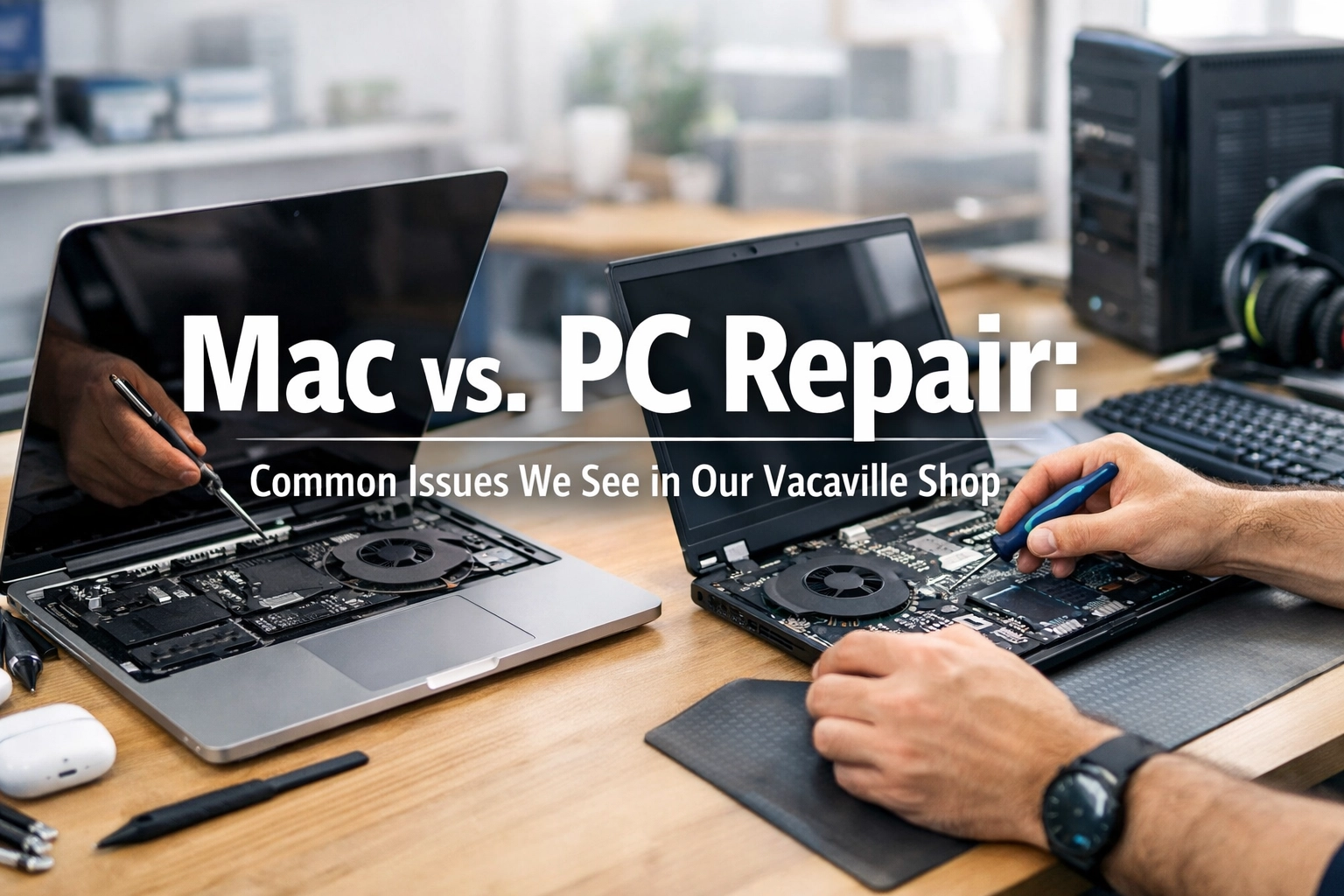
Why Mac Repairs Require a Different Approach
Macs are engineered differently than PCs, and that engineering directly affects how they break and how they get fixed. Apple solders RAM, storage, and even the T2 or Apple Silicon chip directly to the logic board — which means there are no user-serviceable upgrades and no simple part swaps when something fails.
At ART Computer Maintenance and Repair, we’ve been handling Mac repairs in Vacaville since 2008. Here are the specific issues we diagnose and fix most often.
Soldered Components Make Everything Harder
On most PCs, a failing stick of RAM or a full hard drive means a quick, affordable swap. On any MacBook made after 2016, that’s not an option. The SSD is soldered to the logic board on MacBook Air models and most MacBook Pros. RAM has been non-upgradable since 2012.
A storage failure on a modern MacBook can require a full logic board replacement. This is why regular backups and proactive diagnostics are critical for Mac users.
If your Mac is running out of space, we can help you set up external Thunderbolt storage or optimize your existing setup. For a broader look at keeping any computer running well, check out our guide on keeping your computer fast.
T2 and Apple Silicon Diagnostics
Apple’s T2 security chip (2018–2020 Intel Macs) and M-series chips handle more than processing:
- Secure boot and disk encryption
- Touch ID and the Secure Enclave
- SSD controller functions
- Audio processing and camera security
When a T2 chip malfunctions, symptoms can look misleading — random shutdowns, failed macOS reinstalls, or a Mac that won’t boot past the Apple logo. Standard troubleshooting steps like NVRAM resets often don’t resolve T2-related failures.
We run Apple Diagnostics and board-level inspection to isolate whether the problem is the chip, a sensor failure, or software-level corruption.
Battery Service and Swollen Batteries
MacBook batteries are lithium-polymer cells glued into the chassis. After 500 to 1,000 charge cycles, they degrade. But the more urgent issue is battery swelling:
- The trackpad is stiff or hard to click
- The bottom case is visibly warped or doesn’t sit flat
- The keyboard feels raised or uneven
A swollen battery is a safety hazard. Lithium-polymer cells can puncture and catch fire. Do not continue using a MacBook with these symptoms. Apple’s official battery service guidelines recommend professional replacement for all MacBook models made after 2012.
Liquid Damage and Logic Board Repair
Liquid spills are the most common cause of catastrophic Mac failure we see. What makes Mac liquid damage especially tricky:
- Tight component spacing means liquid reaches the logic board almost instantly
- Corrosion starts within hours, not days
- Apple’s liquid contact indicators (LCIs) trip permanently, affecting warranty coverage
If you spill liquid on your MacBook, power it off immediately and do not try to turn it back on. We perform ultrasonic cleaning of logic boards and component-level repair to save machines that Apple would typically quote as a full replacement.
macOS-Specific Software Issues
Not every Mac problem is hardware:
- Failed macOS upgrades that leave the system unbootable
- FileVault encryption problems after a password change or recovery key loss
- Kernel panics caused by incompatible third-party kernel extensions
- iCloud sync conflicts that result in missing or duplicated files
On Apple Silicon Macs, even reinstalling macOS requires a specific process — the power button long-press, not the old Command-R method. Getting this wrong can leave a Mac stuck in DFU mode.
If you’re not sure whether it’s hardware or software, our diagnostic service will identify the root cause before any work begins.
When to Repair vs. Replace Your Mac
- Repair makes sense when the machine is less than 4–5 years old, the issue is isolated, and the Mac still receives macOS updates
- Replacement makes sense when the logic board has multiple failures, the Mac no longer receives security updates, or repair cost exceeds 60% of replacement value
We give you an honest assessment either way.
Also Fix PCs
We repair just as many Windows machines. We’ve covered PC-specific issues extensively:
- Why is my computer so slow?
- Laptop repair: hardware vs. software
- 5 red flags your computer is compromised
Get Your Mac Diagnosed
Whether it’s a swollen battery, a liquid spill, a failed macOS update, or a Mac that won’t turn on, we have the tools and the board-level experience to give you a straight answer on cost and timeline.
Book your Mac diagnostic appointment or contact us with questions.
Need Help With Your Tech?
Our team is ready to help — on-site, same-day service across Solano County.


